
Keep a local copy
Add URLs and preserve pages in your own ArchiveBox collection. Your archive stays in your local archive folder.
ArchiveBox · Electron desktop app
A simple desktop window for ArchiveBox on Windows and Linux. Save websites, browse your collection, and manage your local server without living in a terminal.
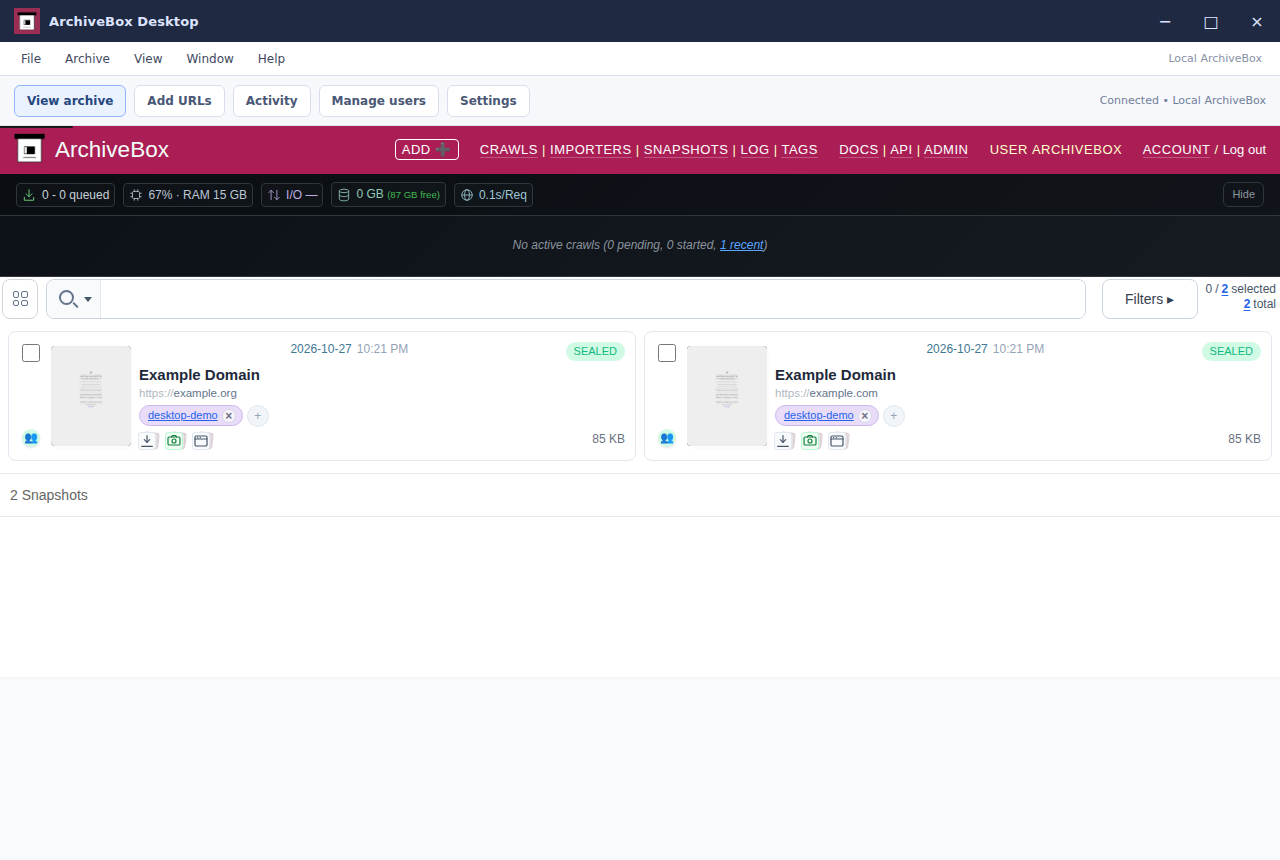
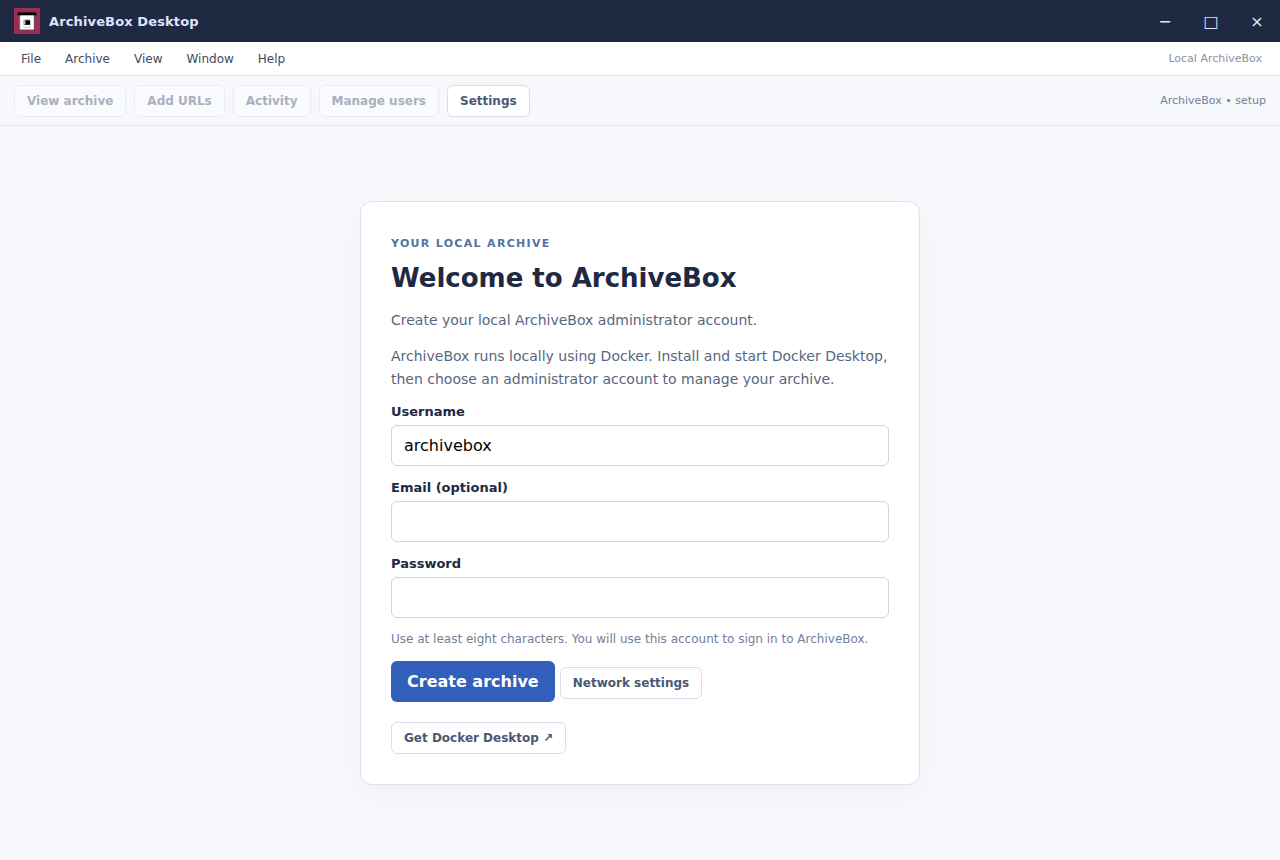
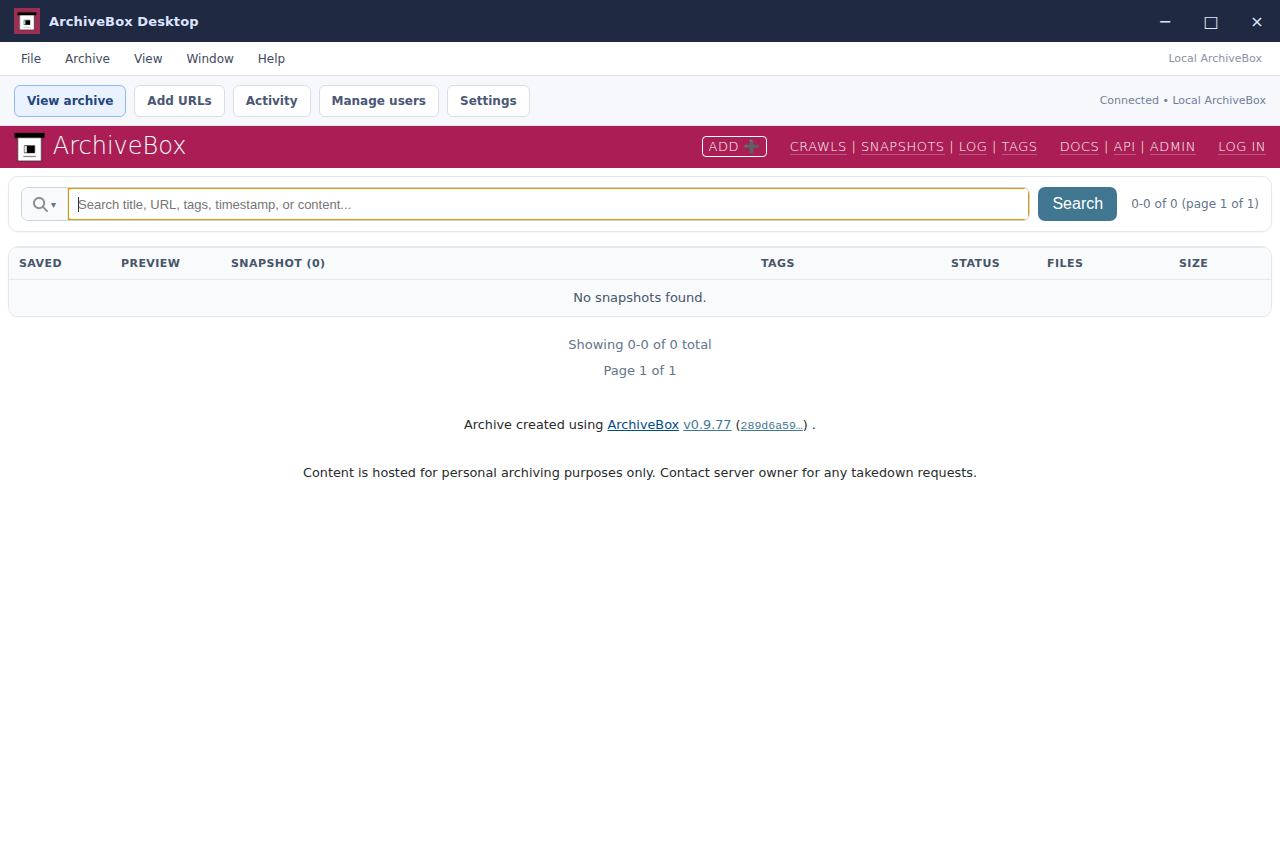
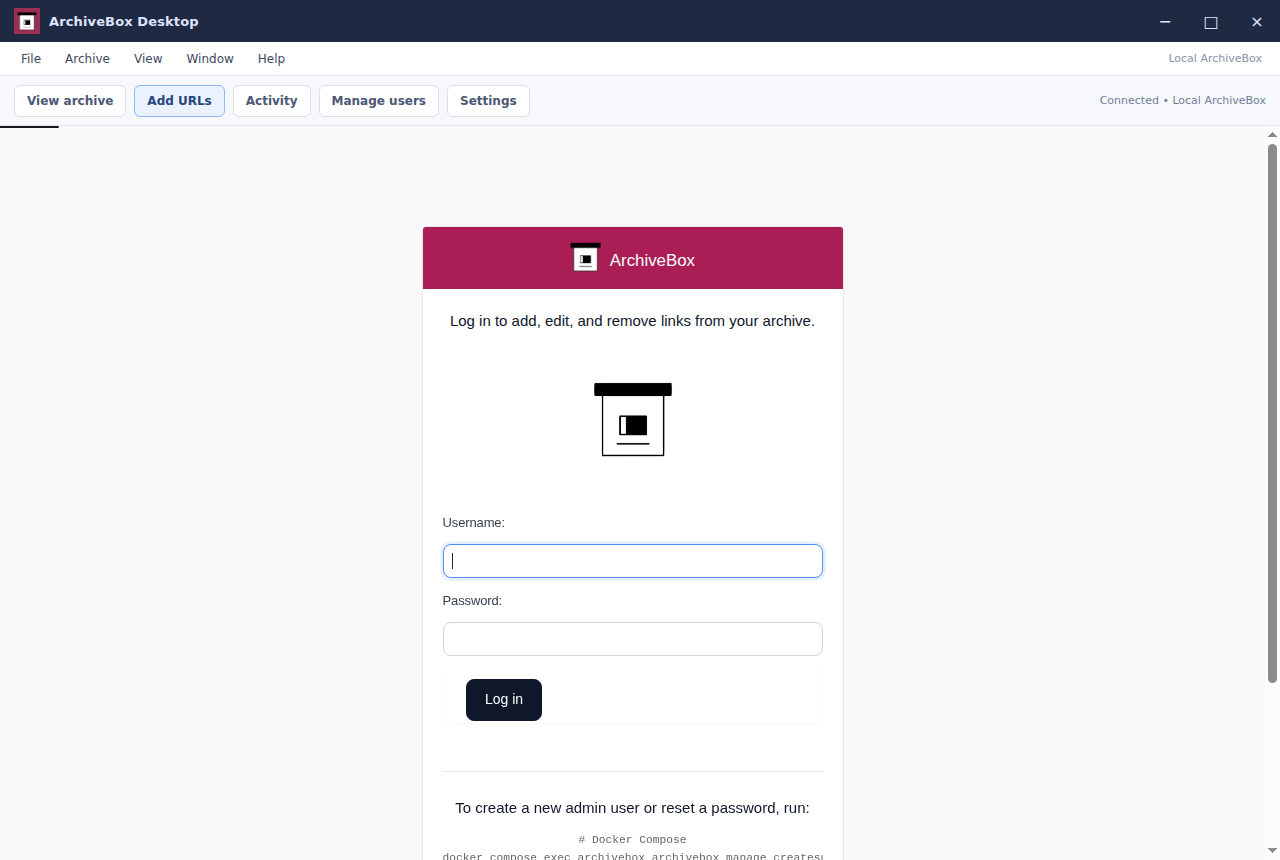
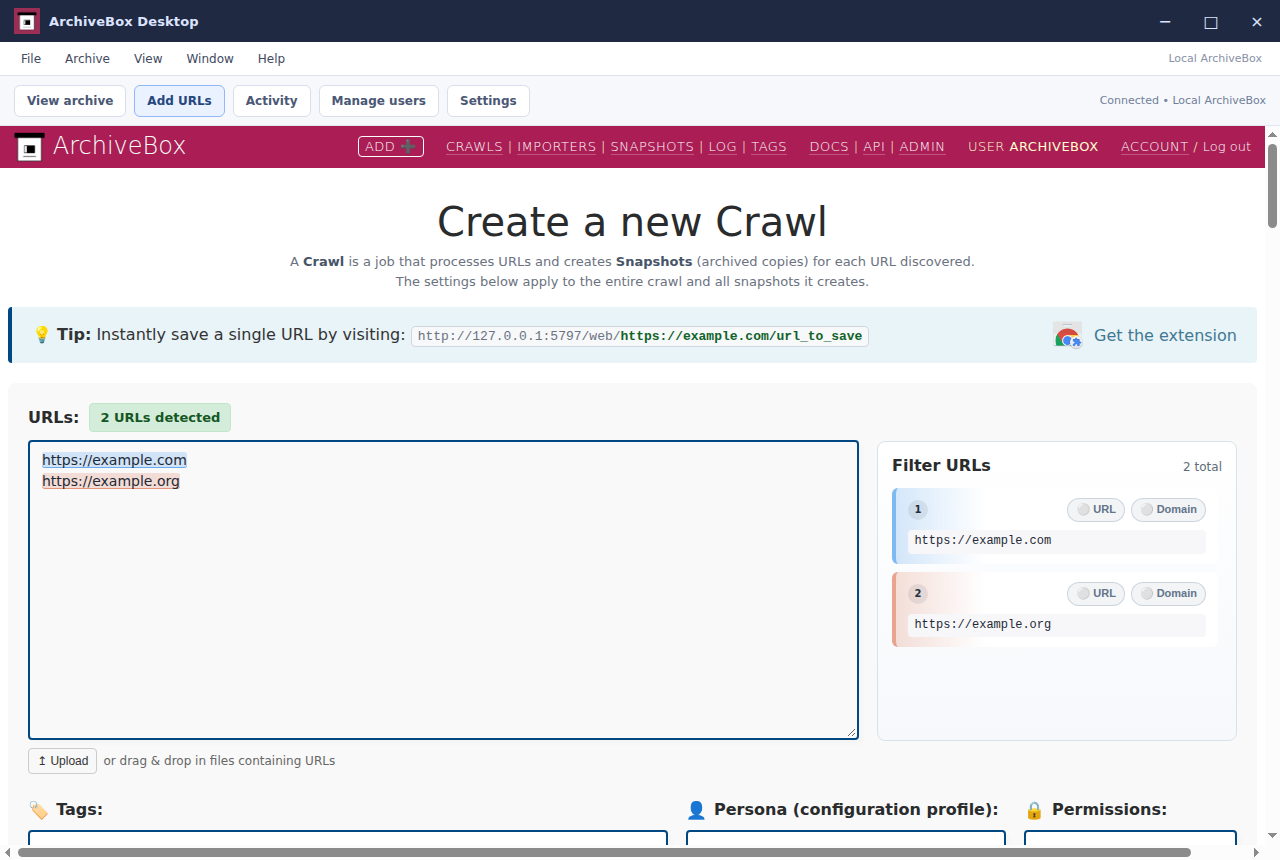
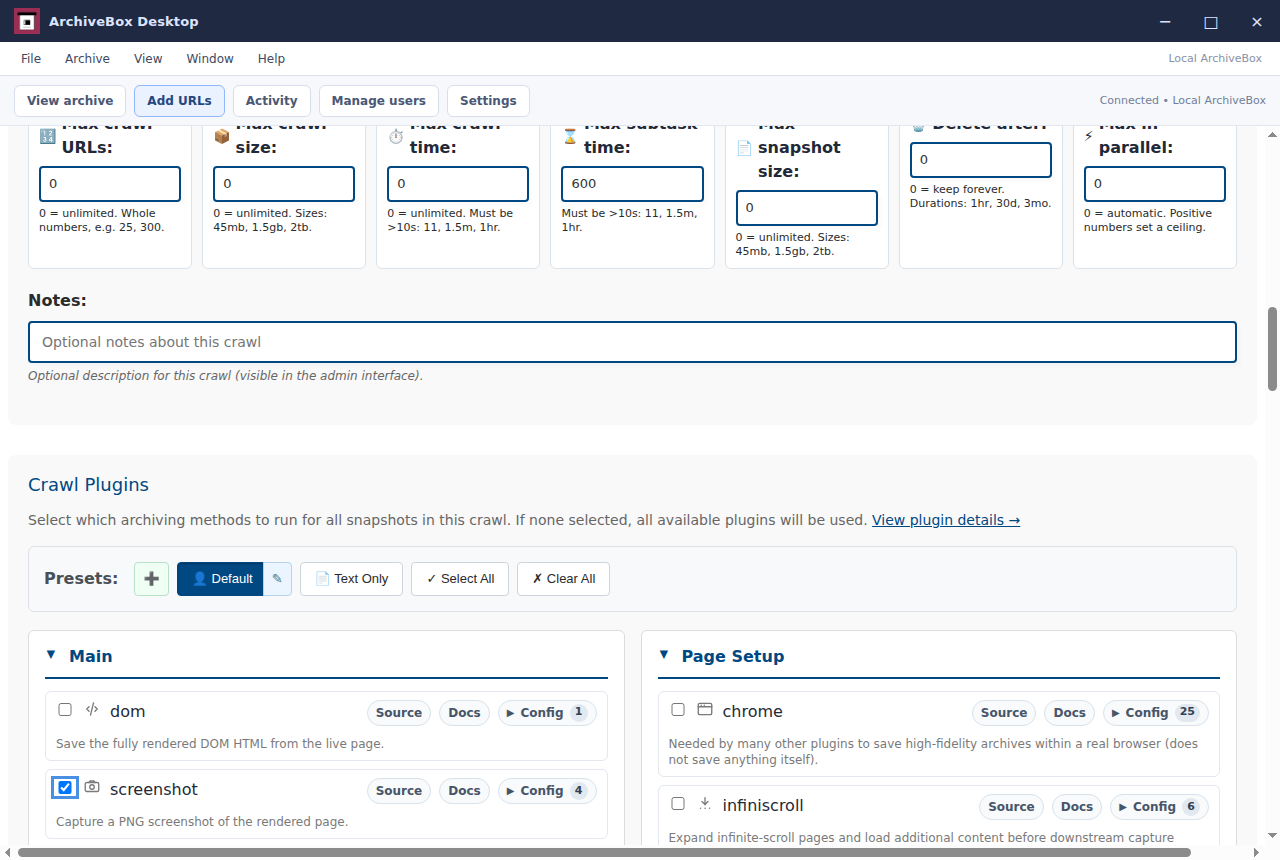
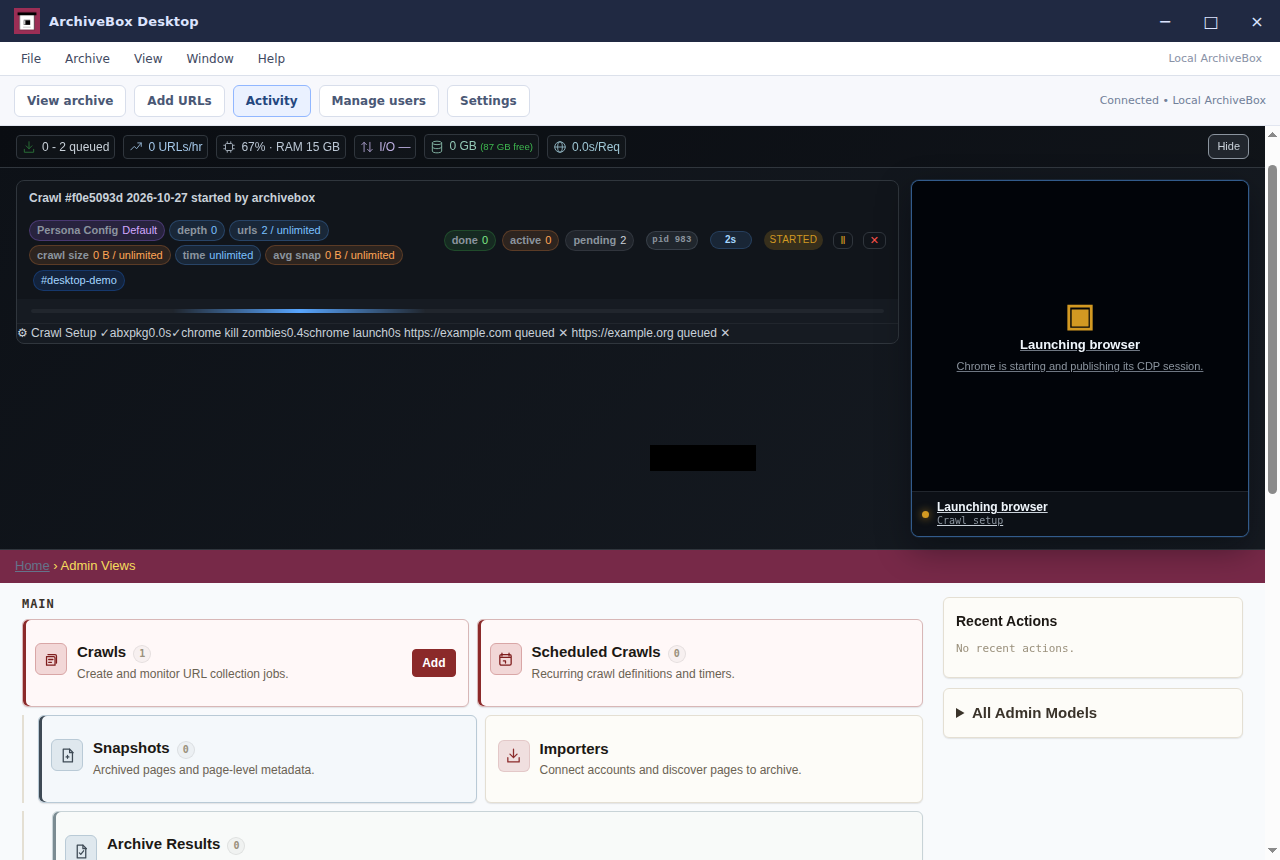
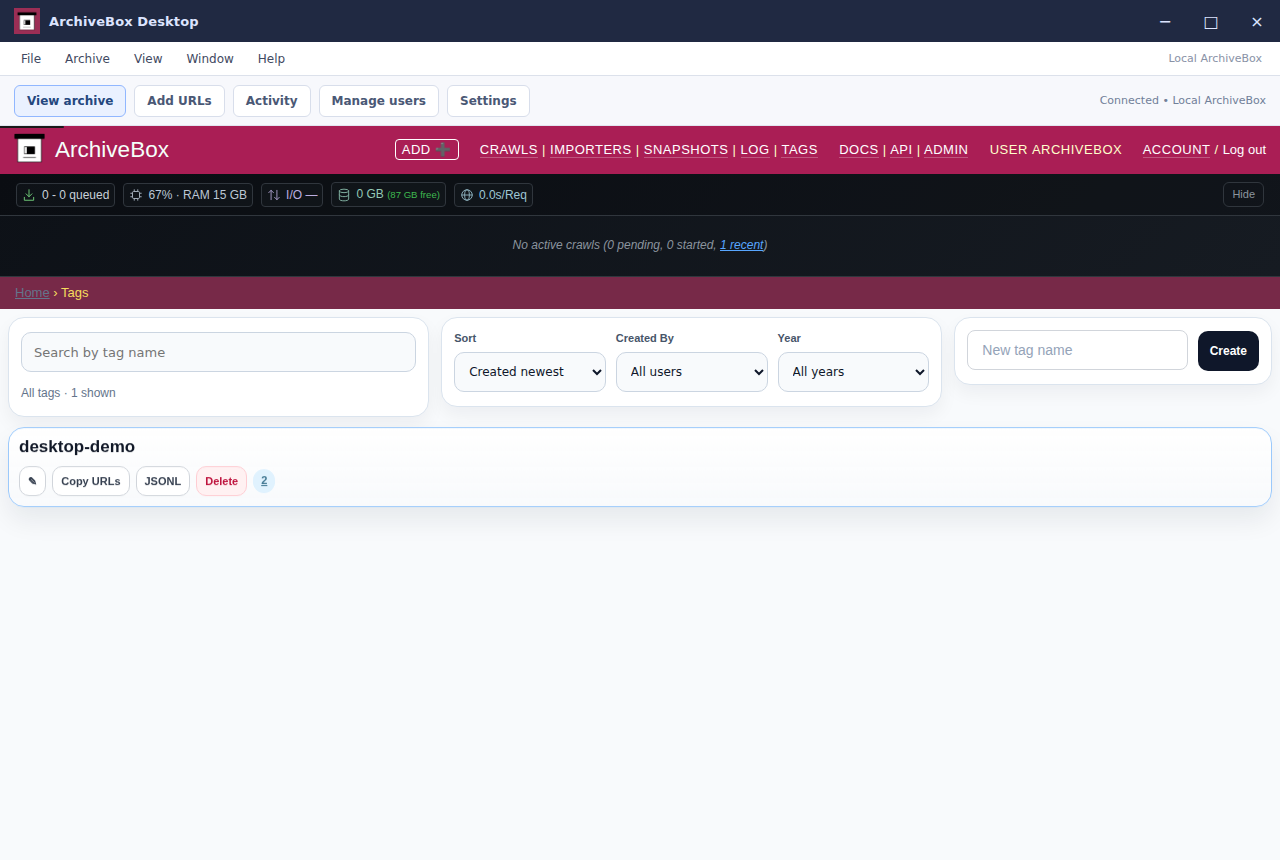
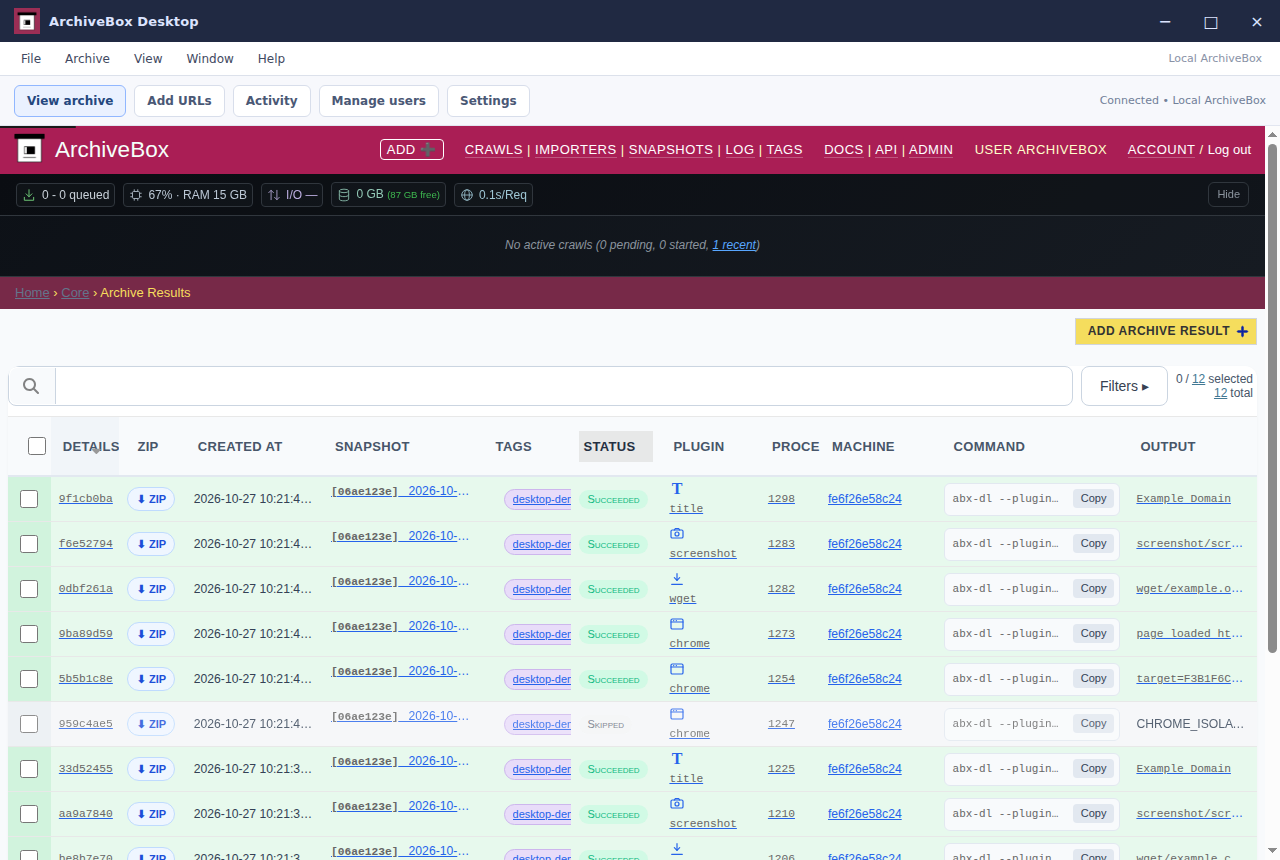
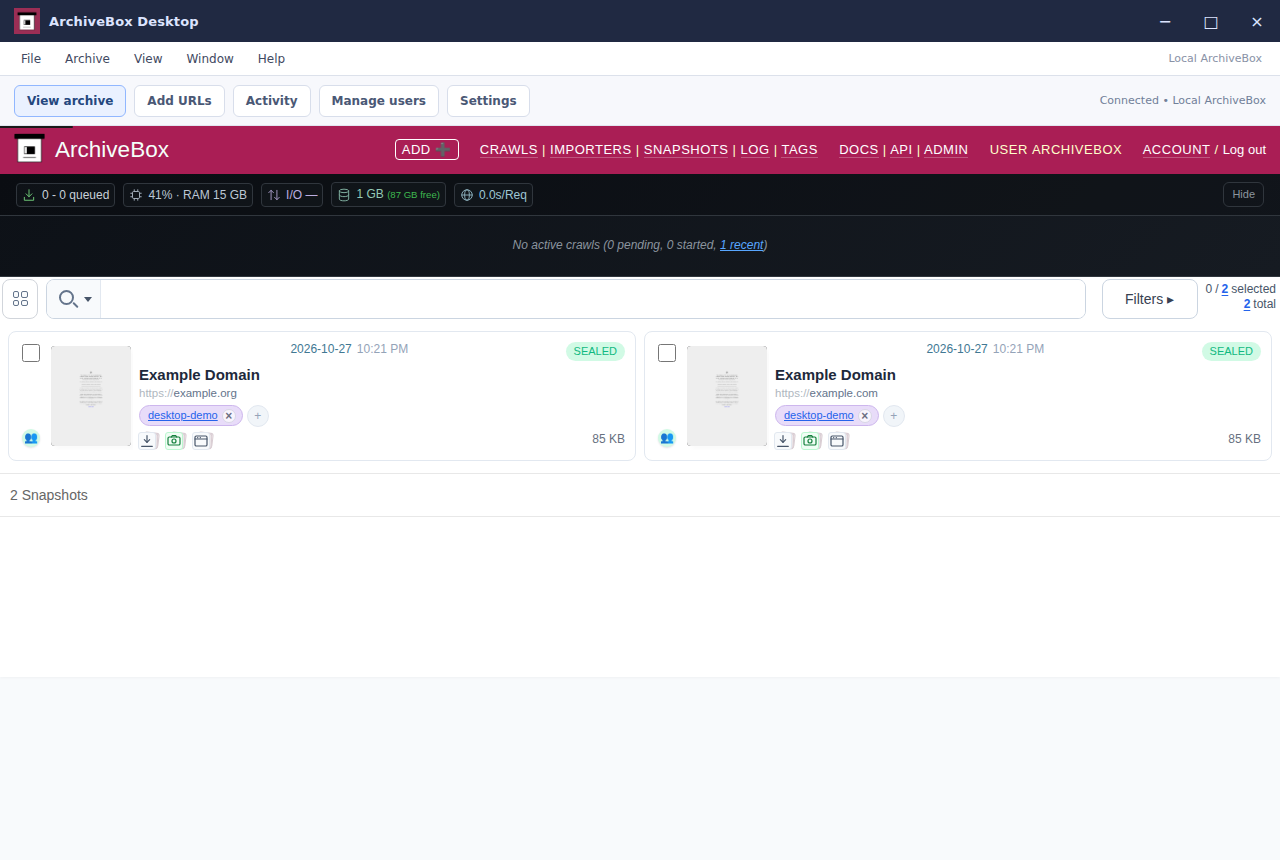
Add URLs and preserve pages in your own ArchiveBox collection. Your archive stays in your local archive folder.
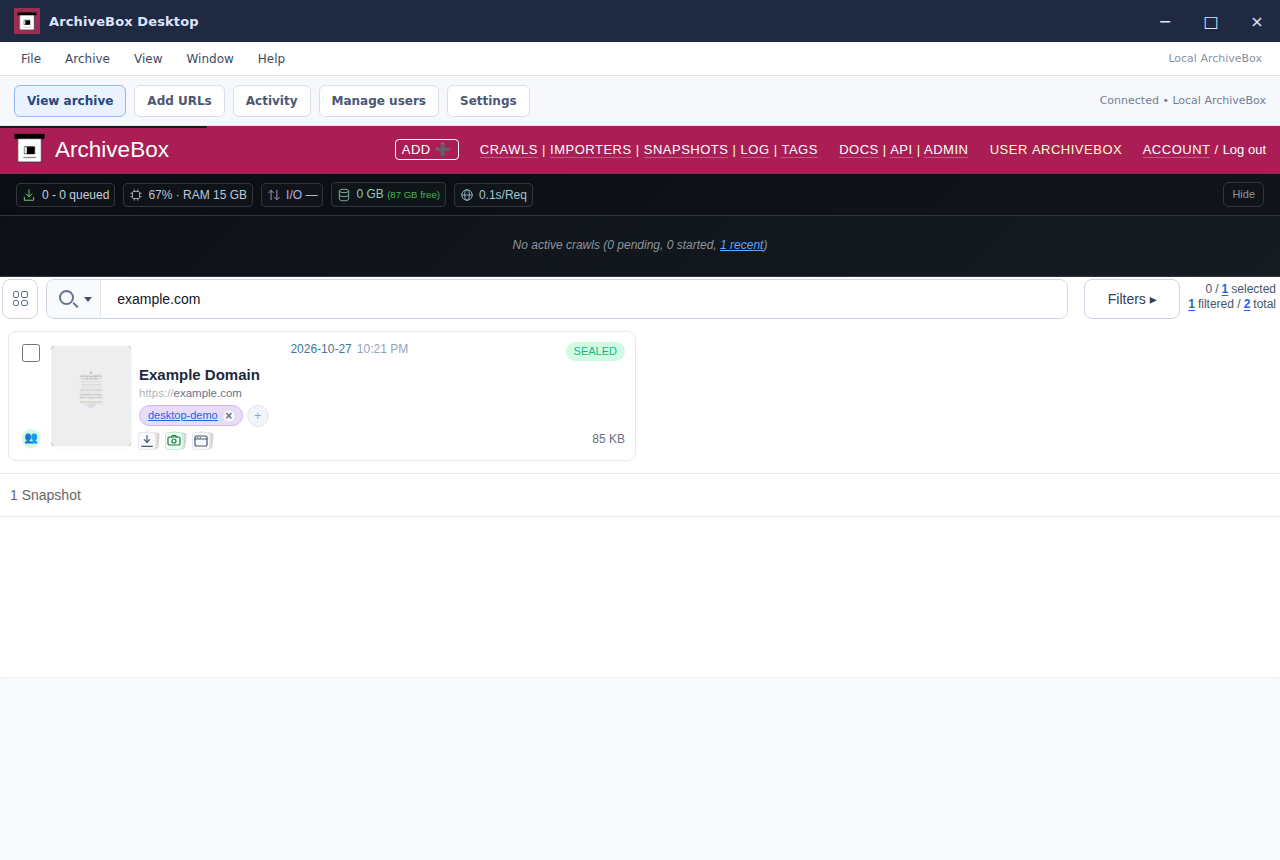
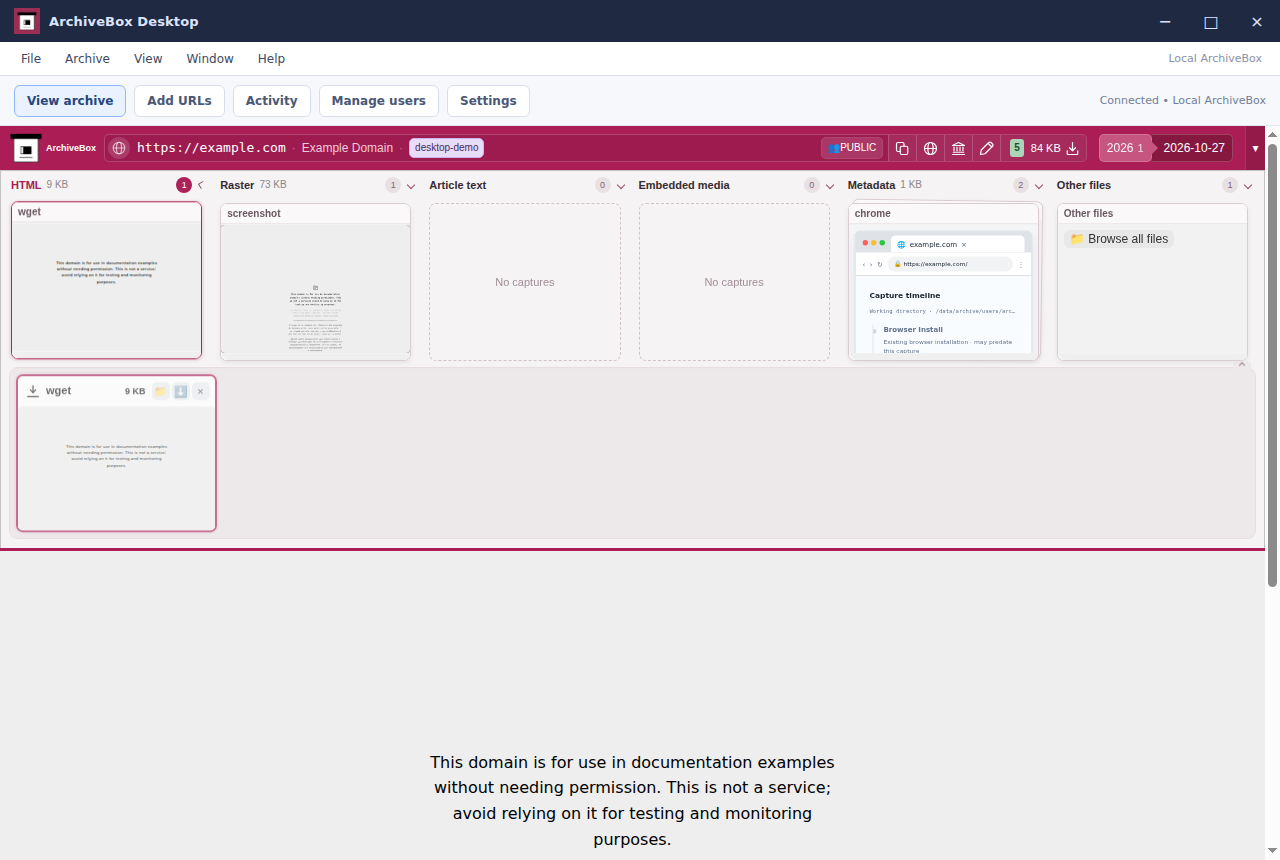
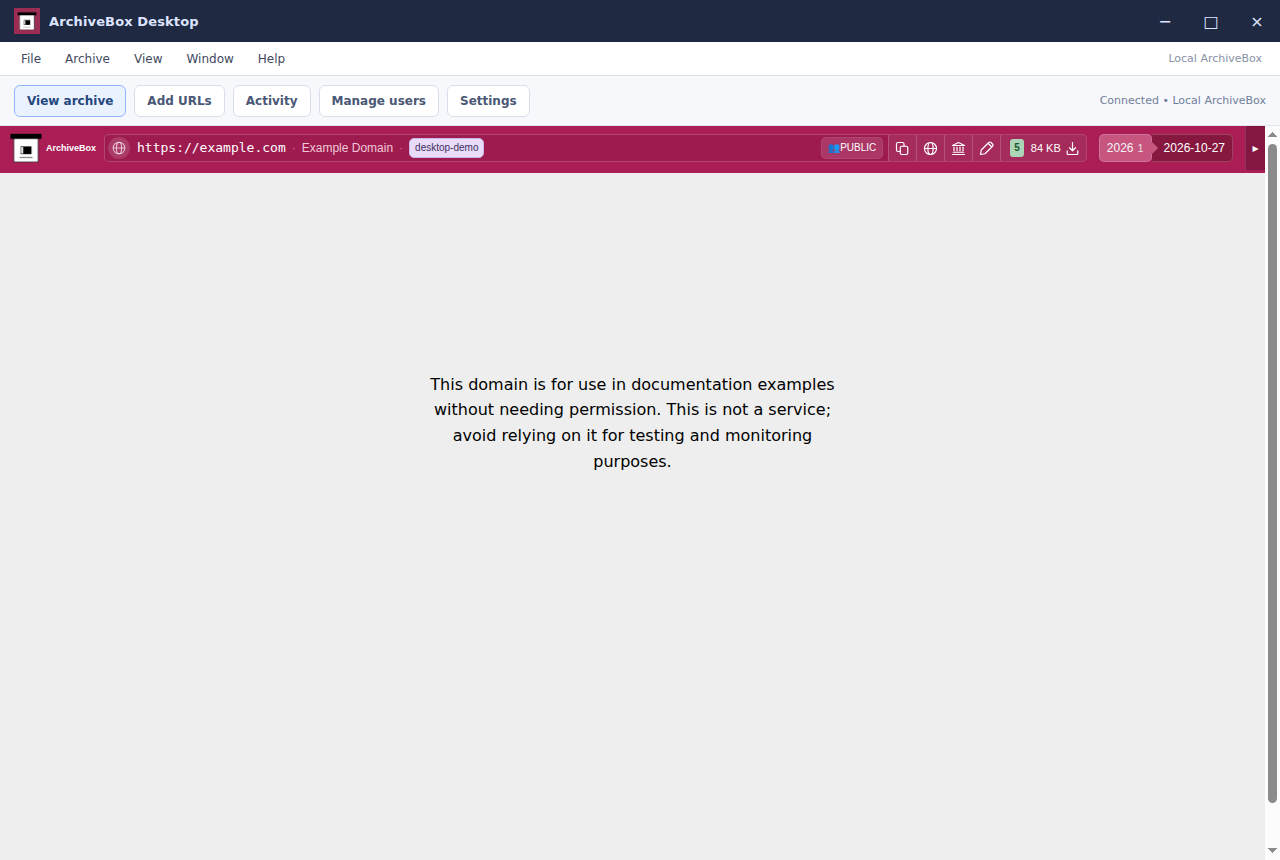
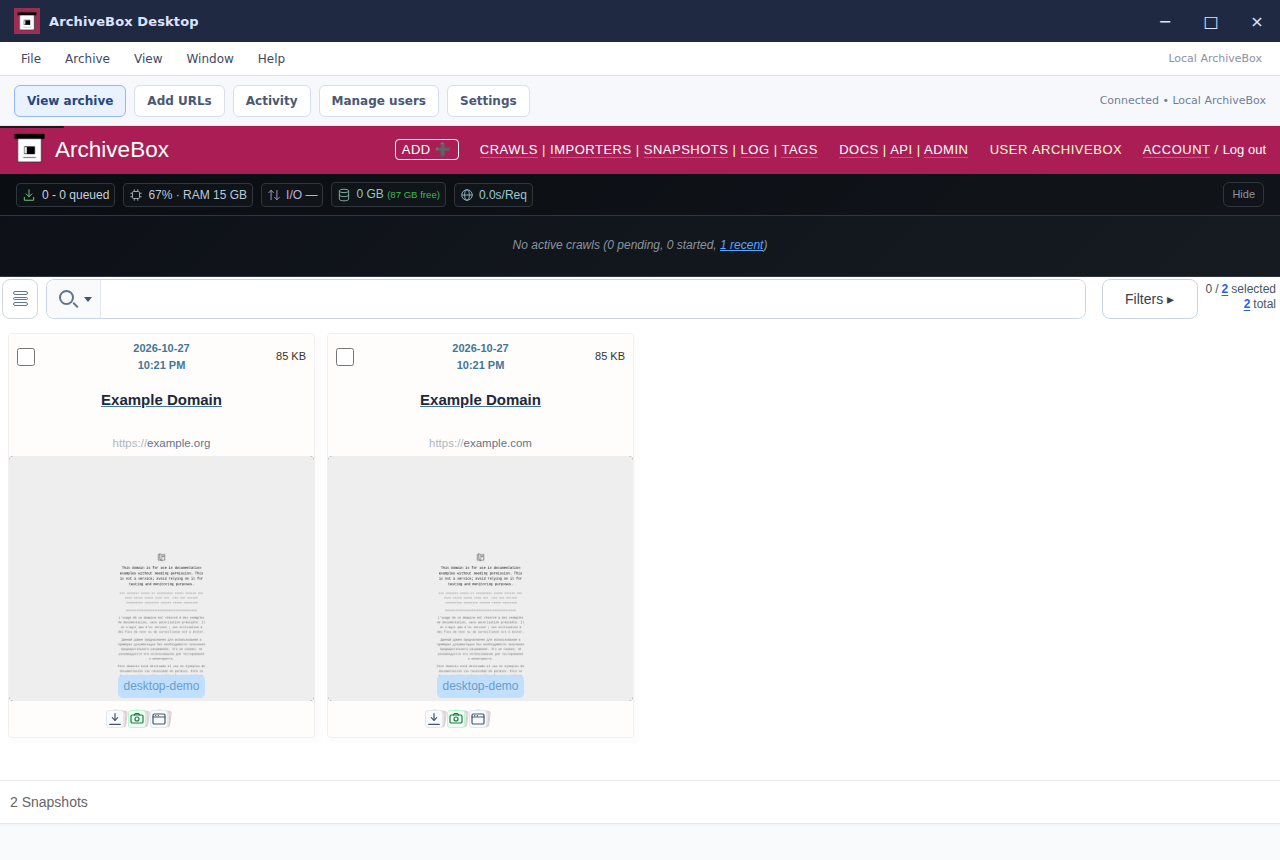
Search your collection, open snapshots, and inspect the files that ArchiveBox captured.
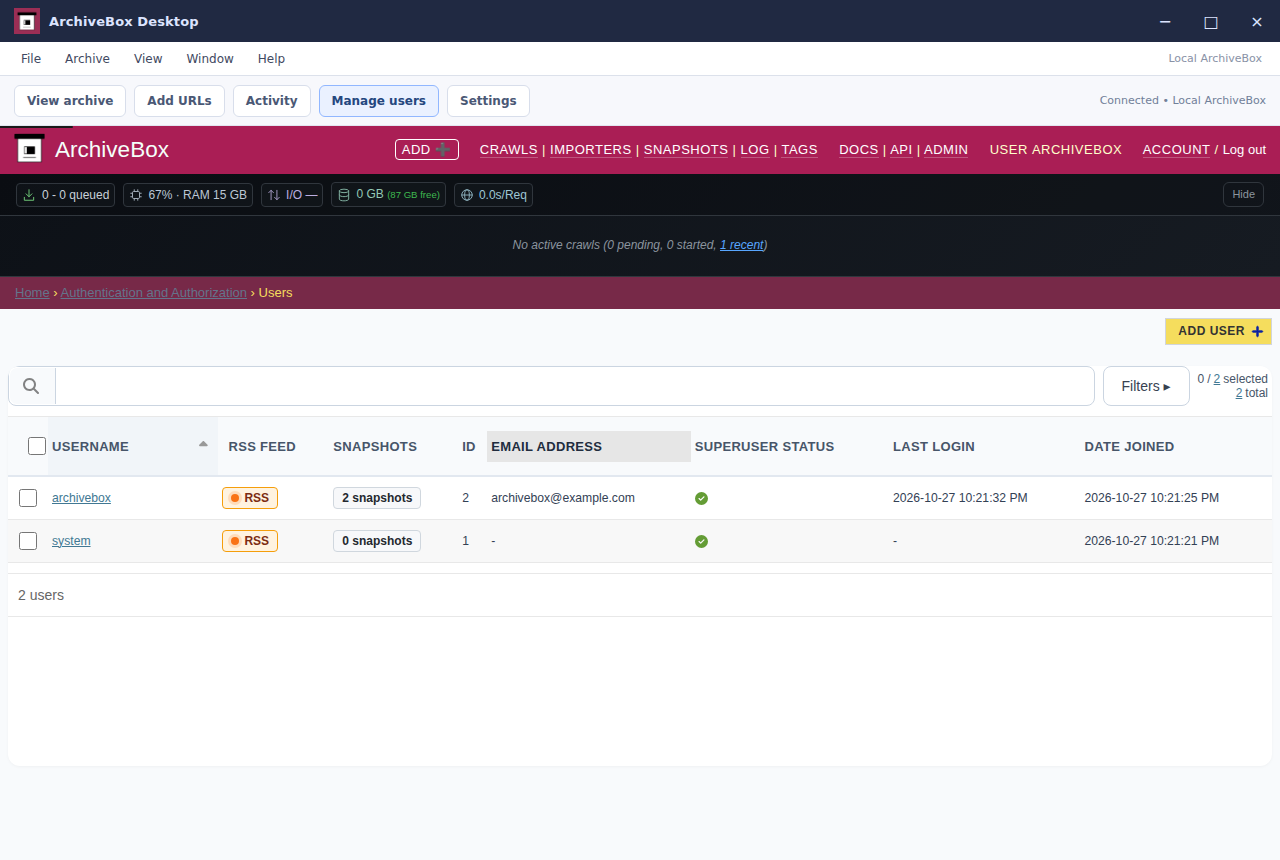
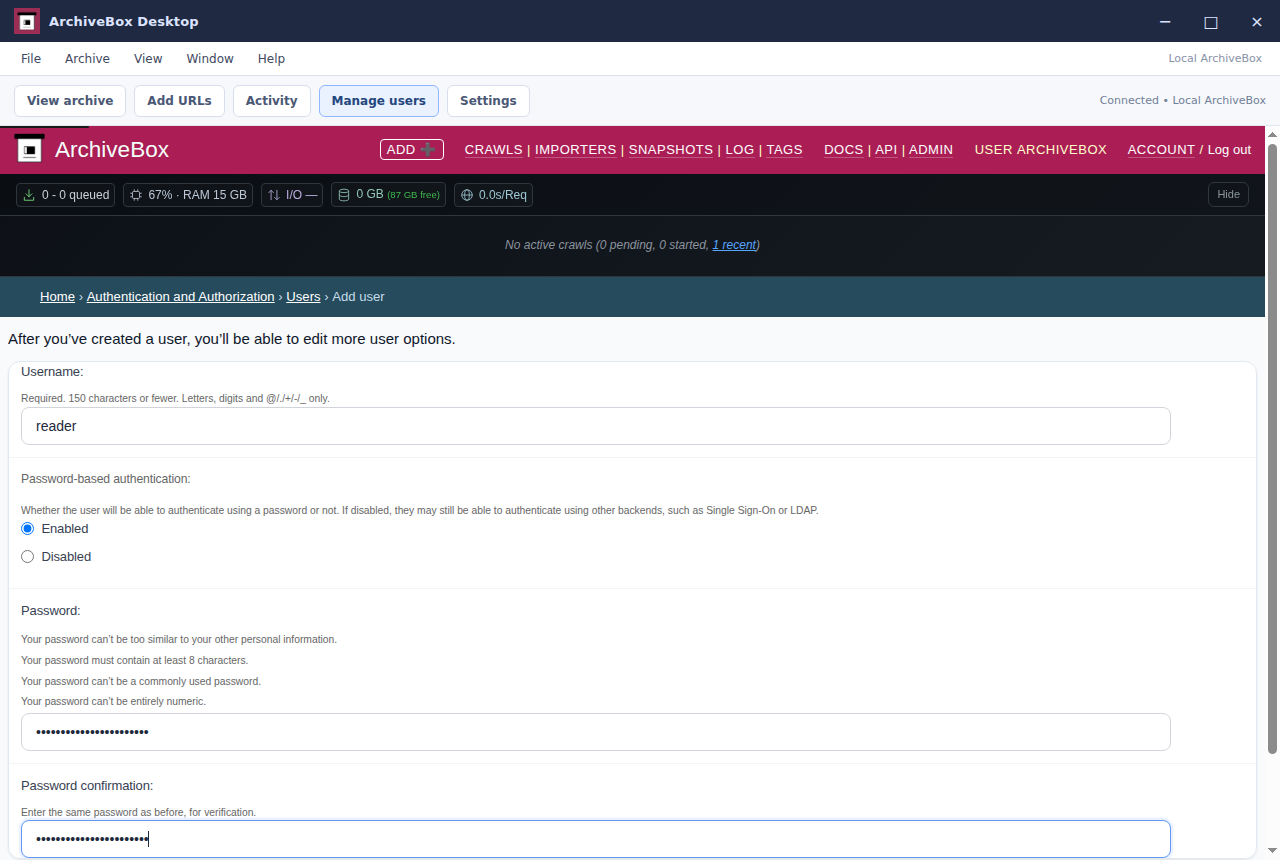
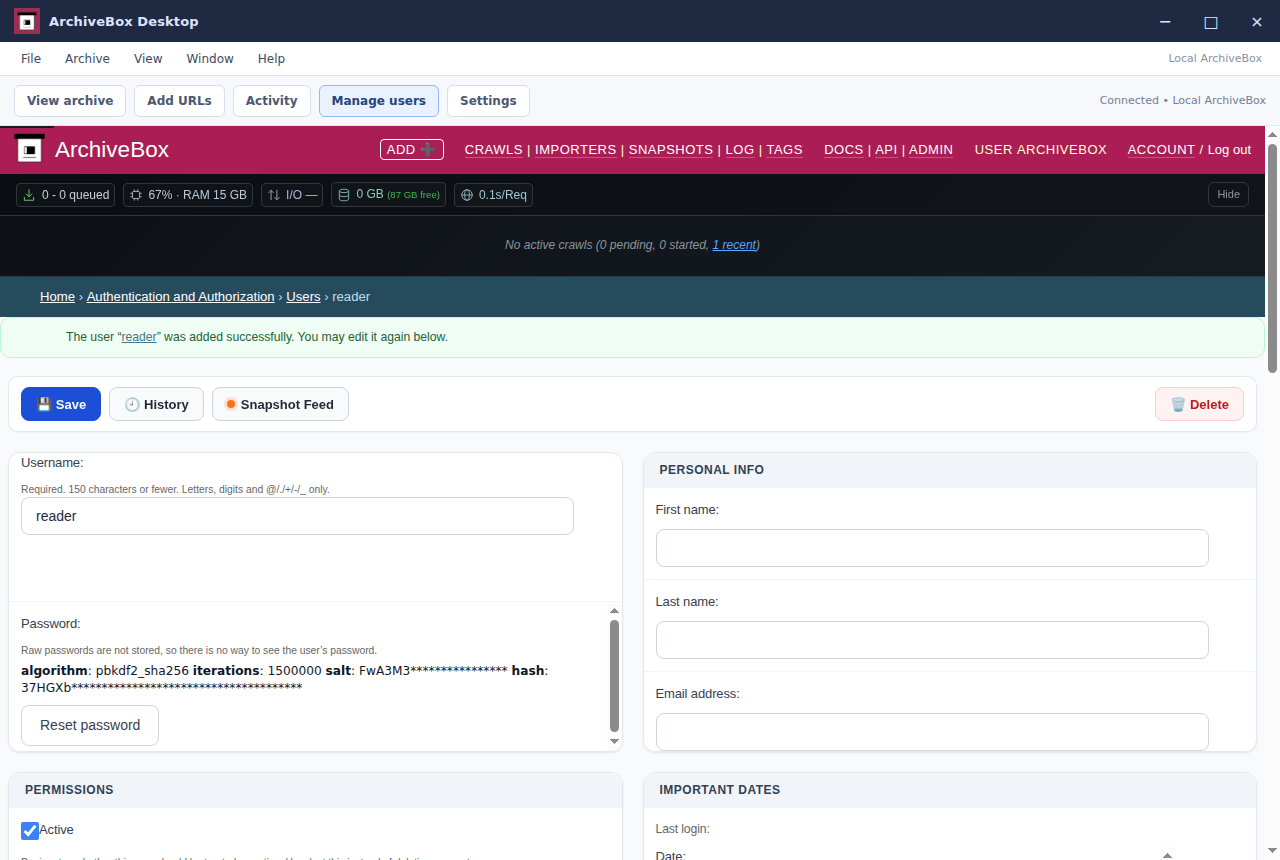
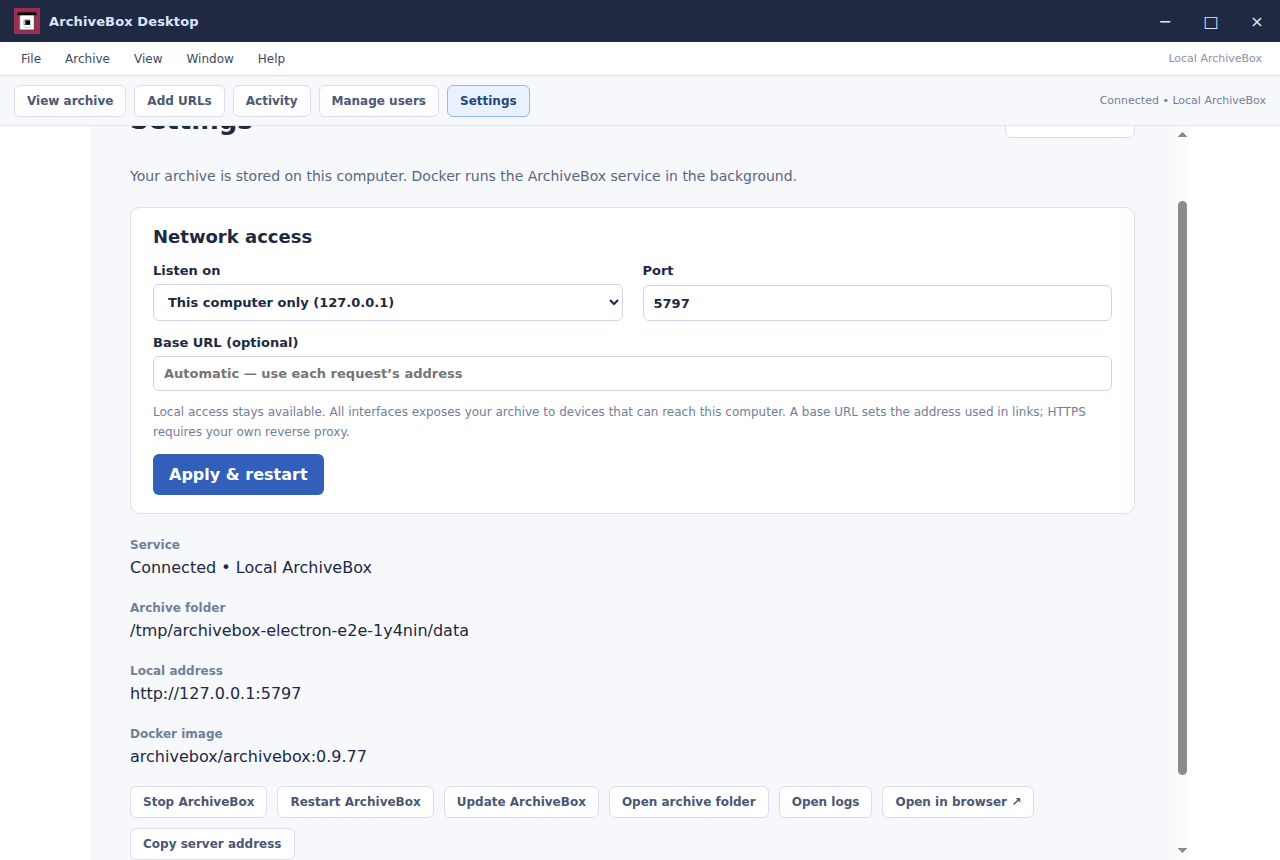
Watch current jobs in Activity, start and stop ArchiveBox, and manage server settings and user access.
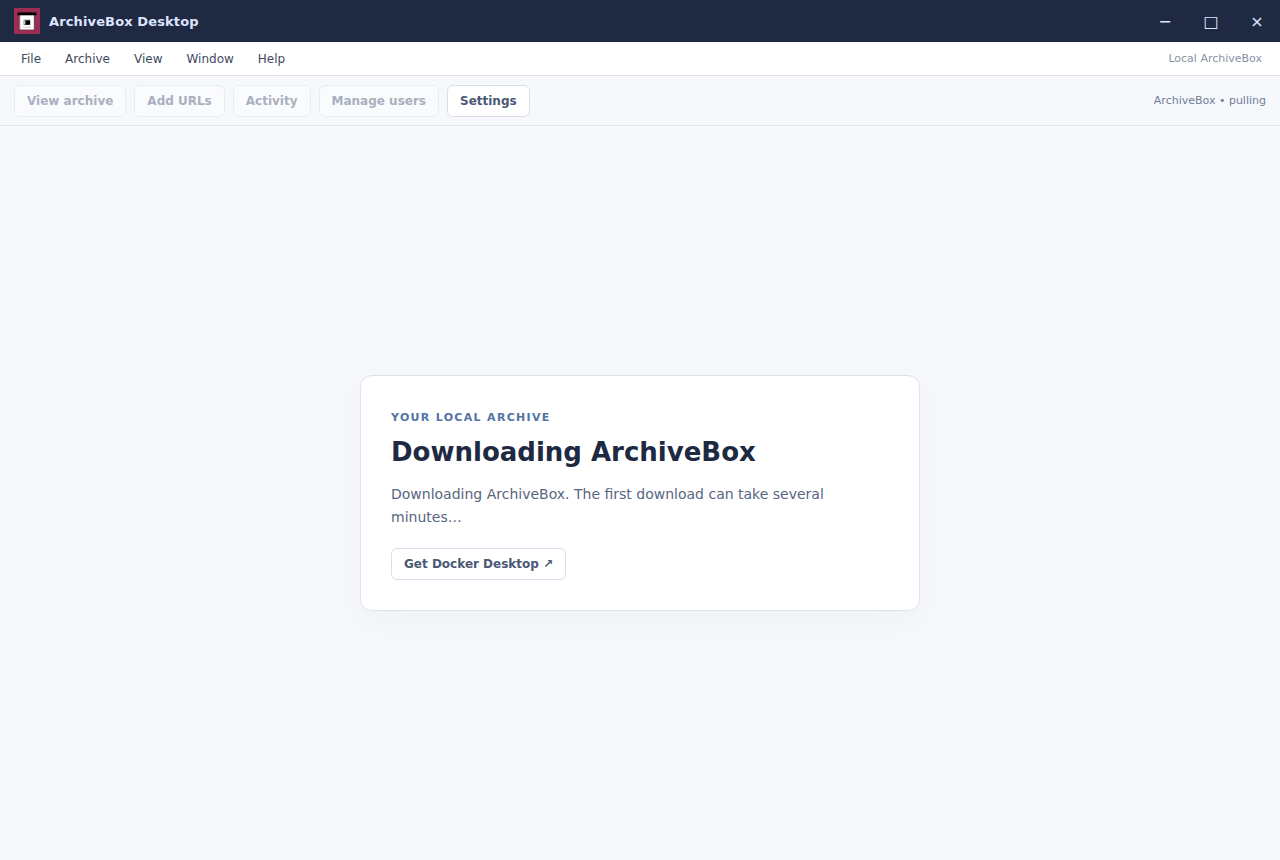
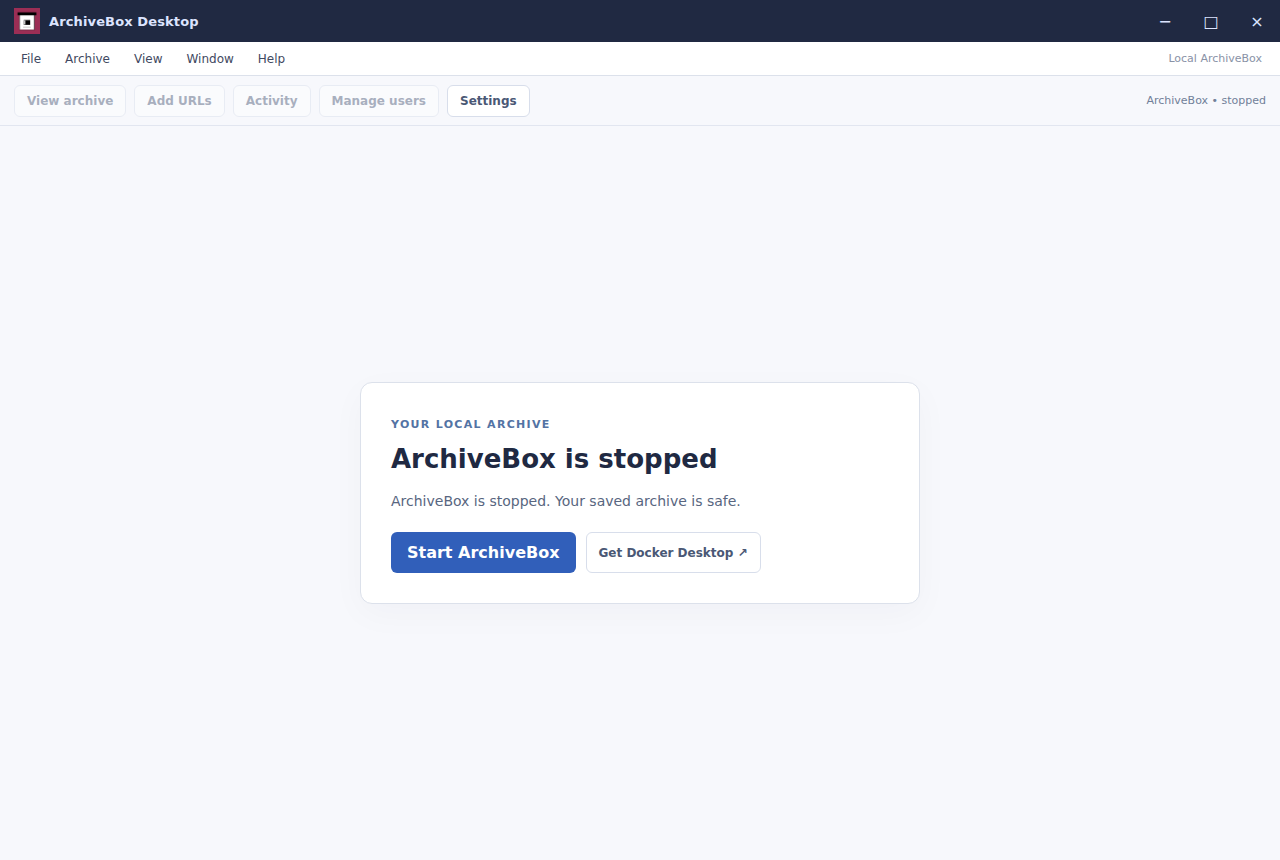
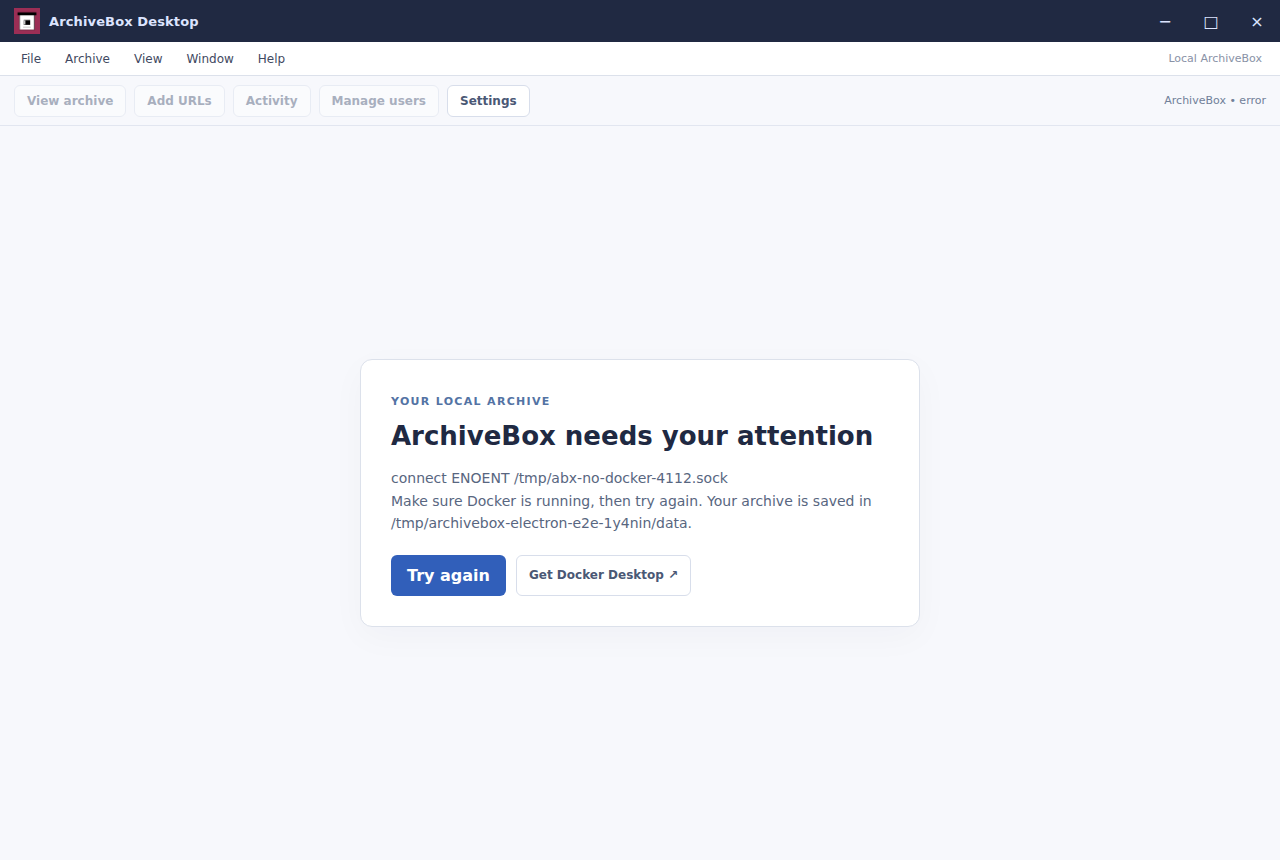
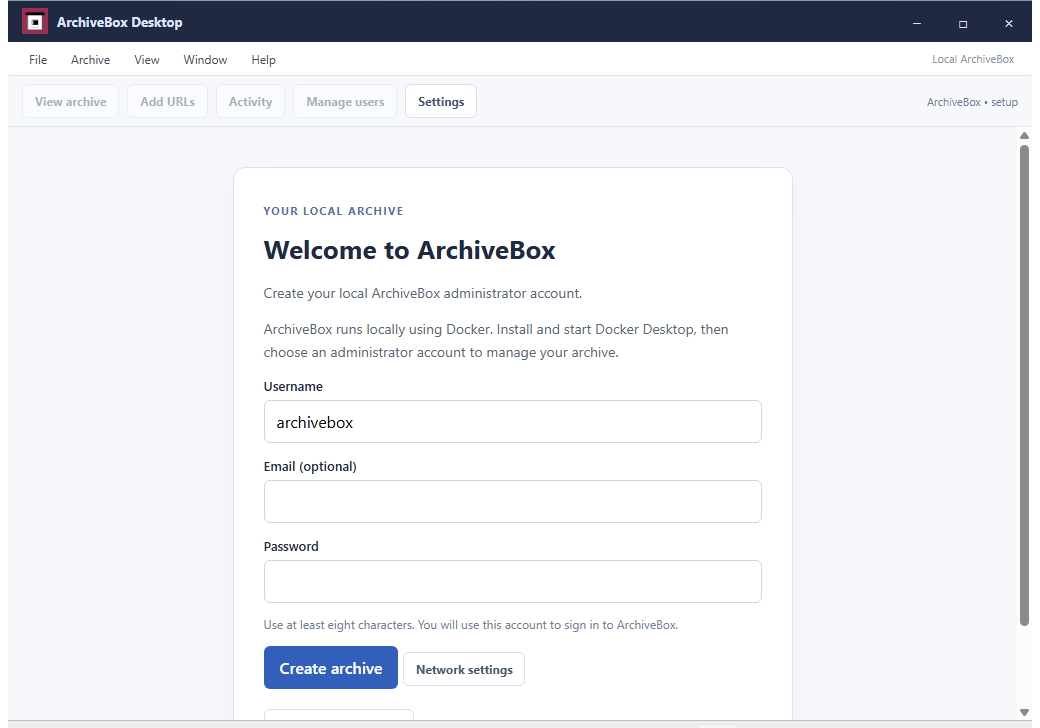
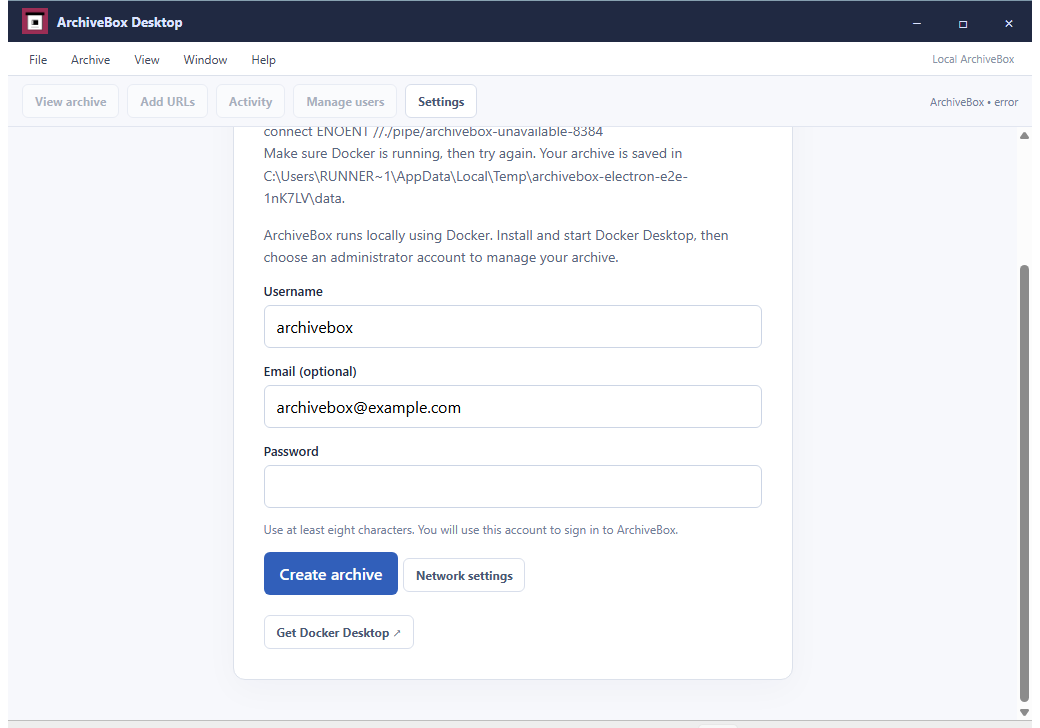
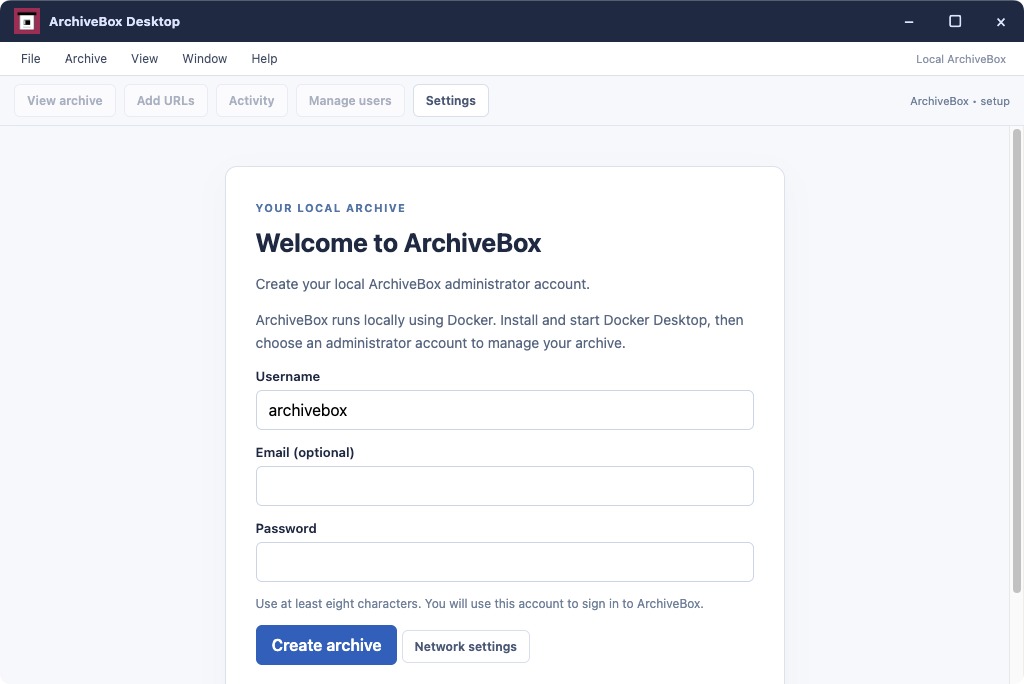
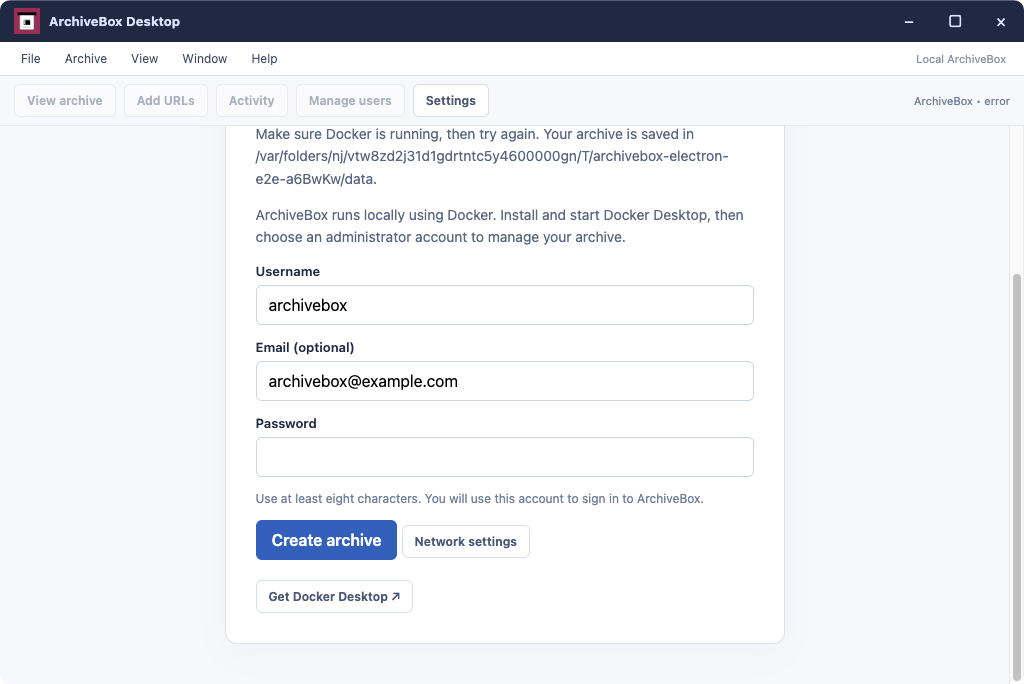
This app uses Docker to run ArchiveBox locally. Install and start Docker before opening ArchiveBox Desktop.
This Electron version is supported on Mac too, but the ArchiveBox.app native app is recommended for a better experience.
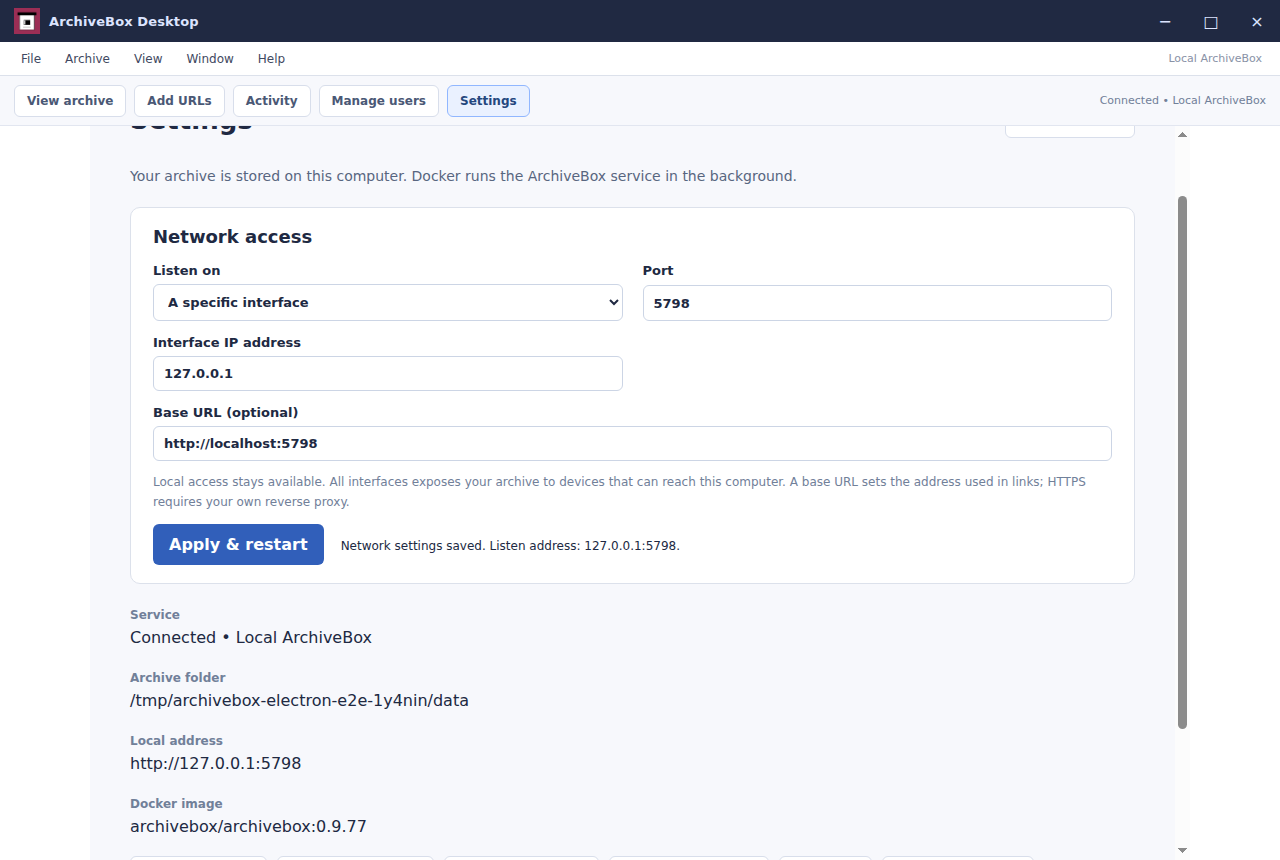
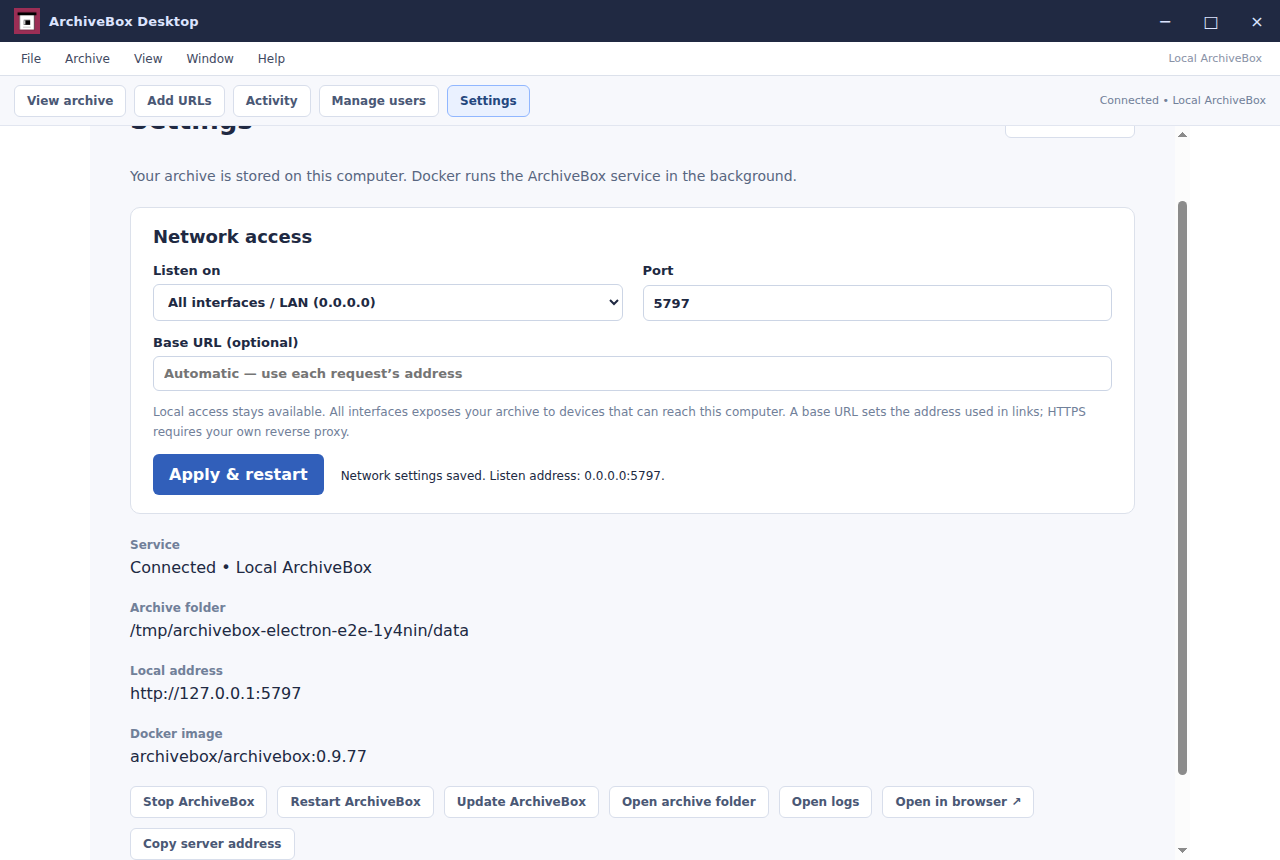
Your collection stays in ~/archivebox. The local server opens on port 5797, matching ArchiveBox Server. In Settings, choose access from this computer only, your local network, or a custom interface, and set the port and public URL. Installers are unsigned, so your operating system may ask you to approve the app on first launch.