First-run setup · linux-x64
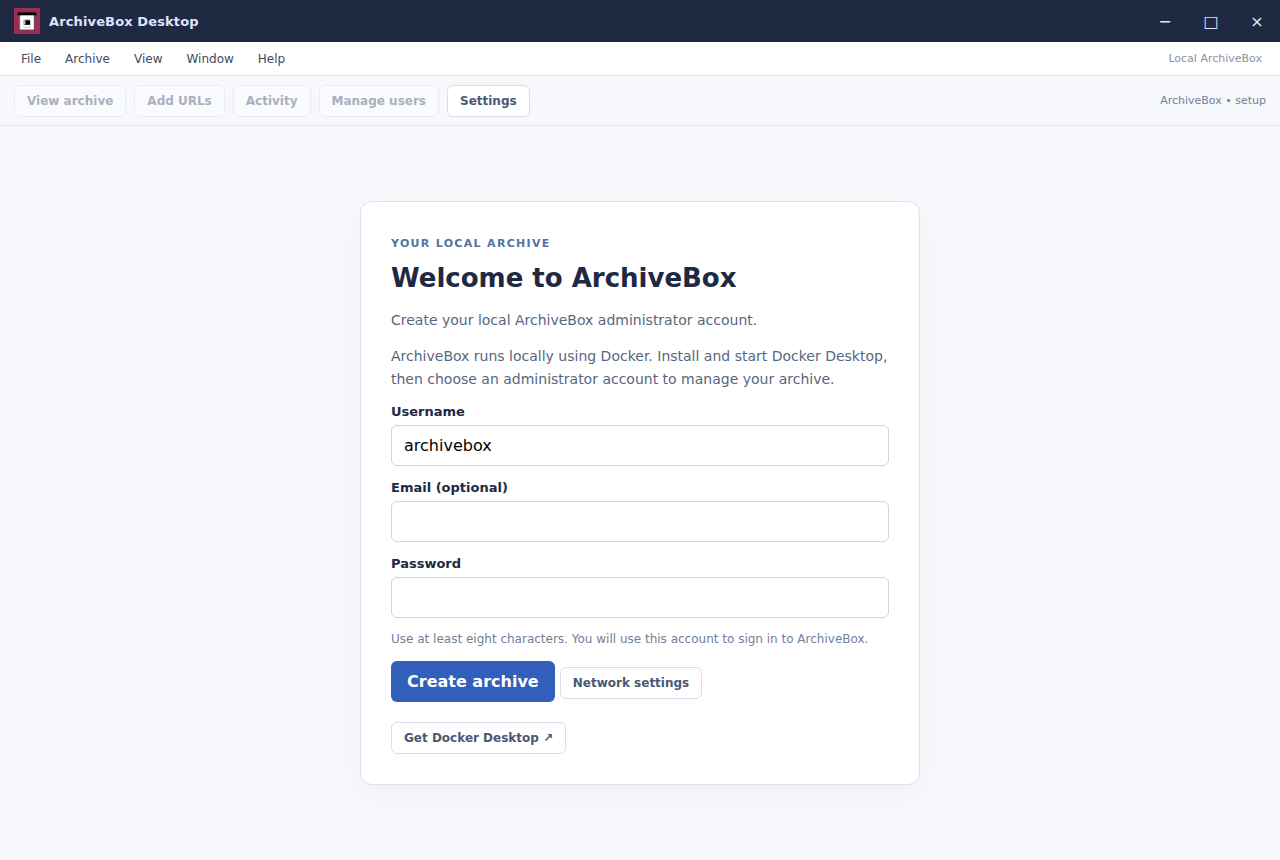
The ordinary desktop app opens a fresh collection and asks for its administrator account.
Real app screens captured by driving the ordinary Electron application. Capture scope and backend details are recorded separately for each platform.
Full captures cover the complete Docker-backed workflow. Startup-only captures cover application setup and the genuine Docker-unavailable state; they do not claim Docker-backed coverage. Each set identifies its actual operating system below.
linux-x64 · full · Packaged app · App 1.13.152 · 8fe67de74fc6 · · Capture run ↗ · Capture manifest
Backend: archivebox/archivebox:0.9.77 · Image sha256:cdea8c56c026e5fdbc10fdf83f7b2e5474e84124a2bf846721f0d36708ca16fa
win32-x64 · startup-only · Packaged app · App 1.13.152 · 8fe67de74fc6 · · Capture run ↗ · Capture manifest
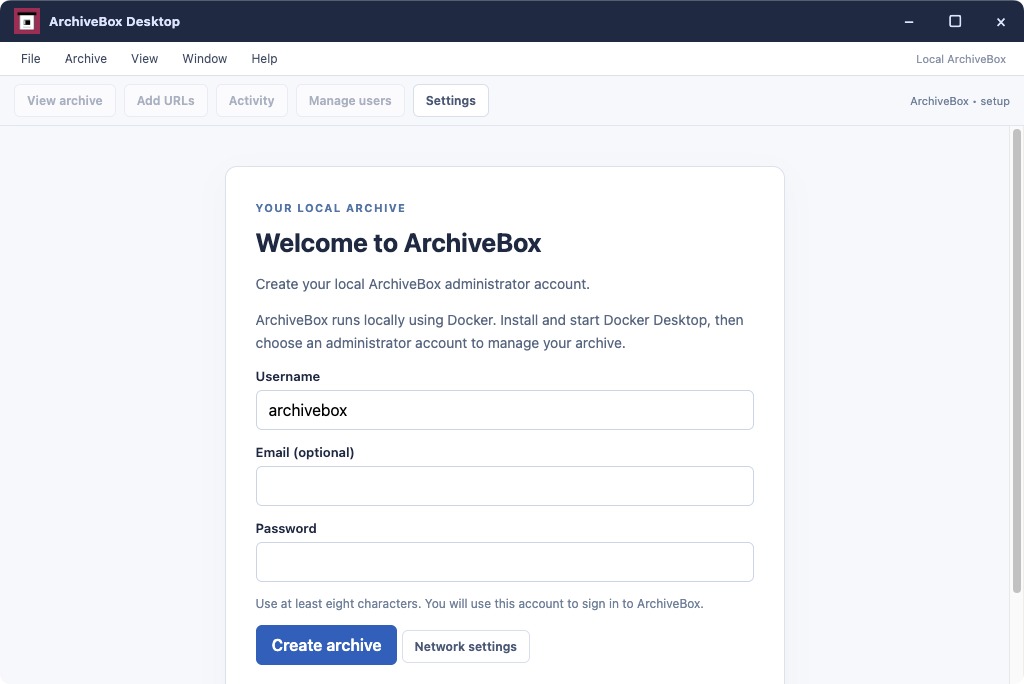
darwin-arm64 · startup-only · Packaged app · App 1.13.152 · 8fe67de74fc6 · · Capture run ↗ · Capture manifest
The ordinary desktop app opens a fresh collection and asks for its administrator account.
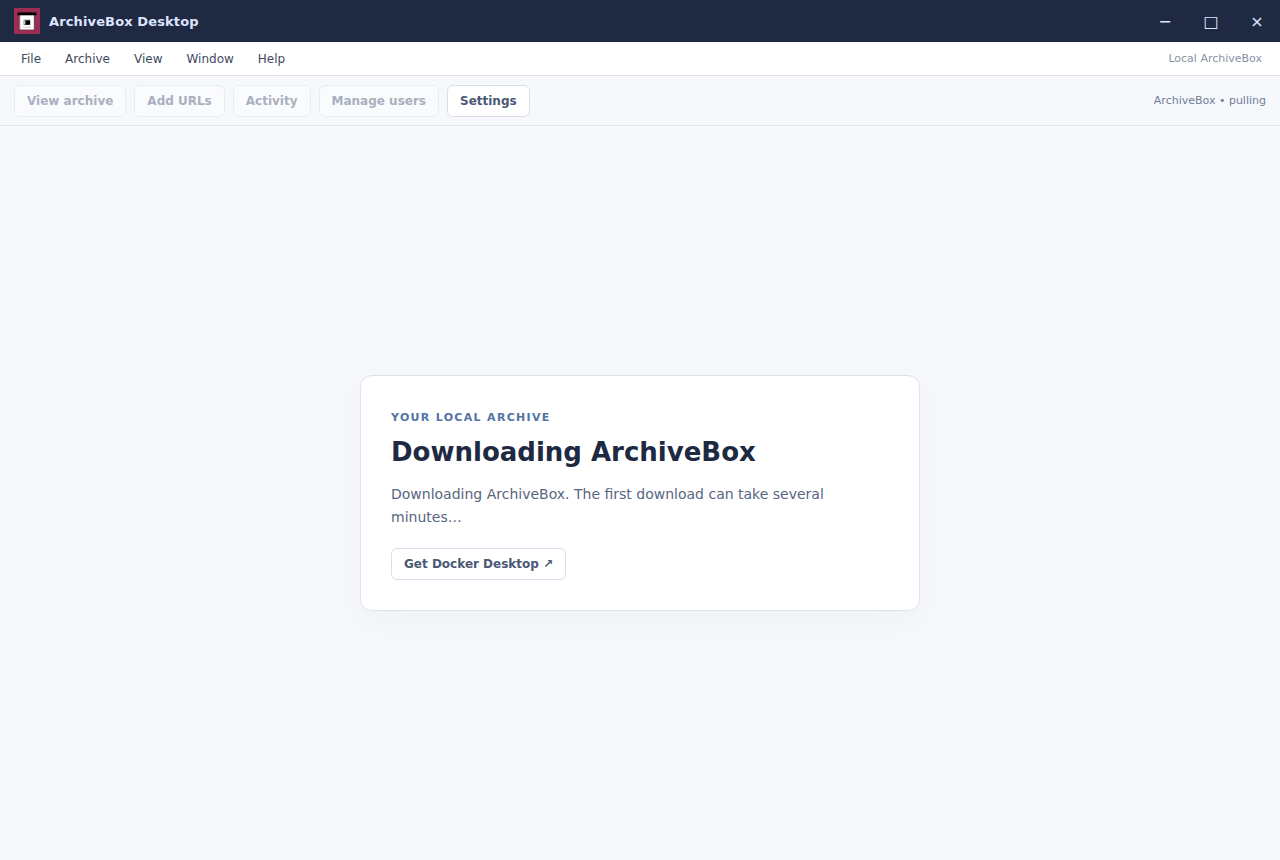
The app connects to Docker and initializes the collection after submitting the setup form.
The newly initialized collection is ready for its first saved page.
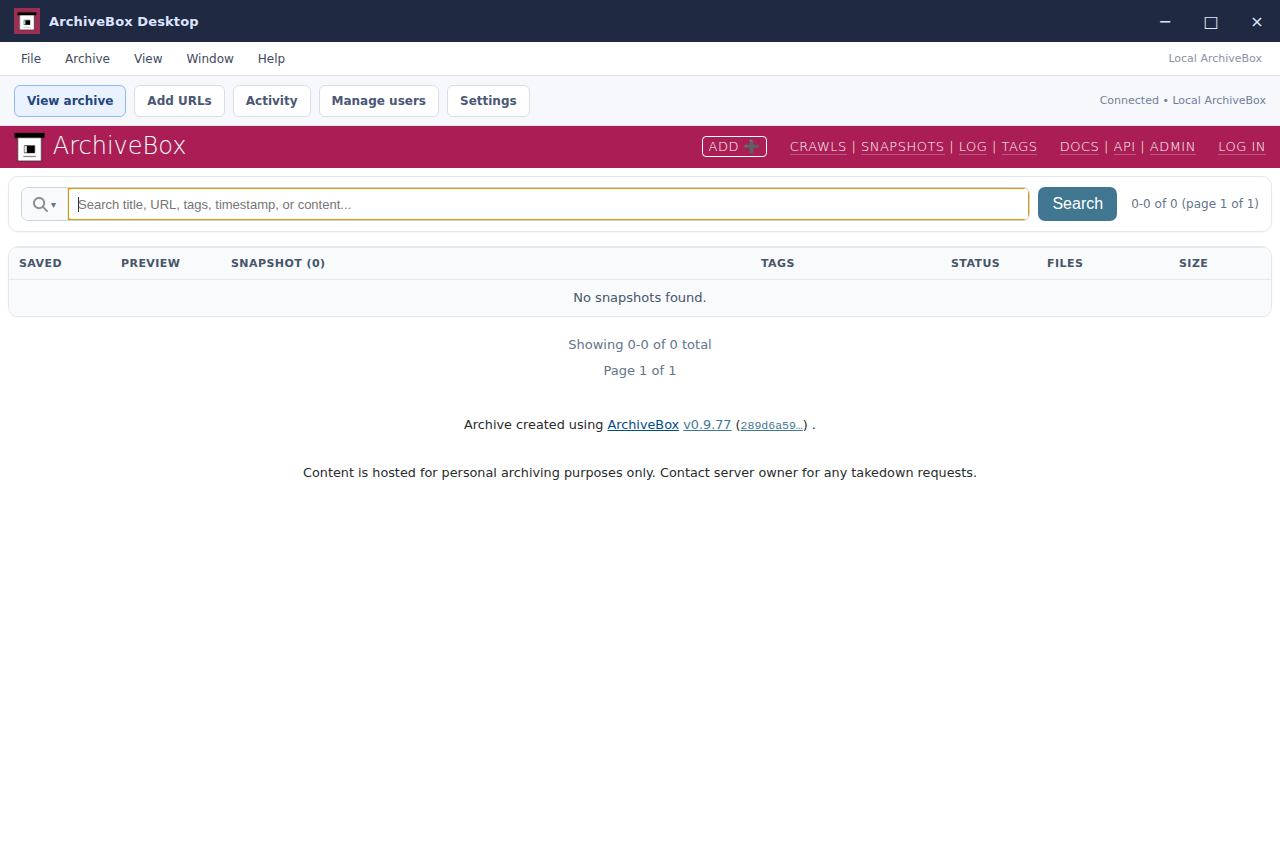
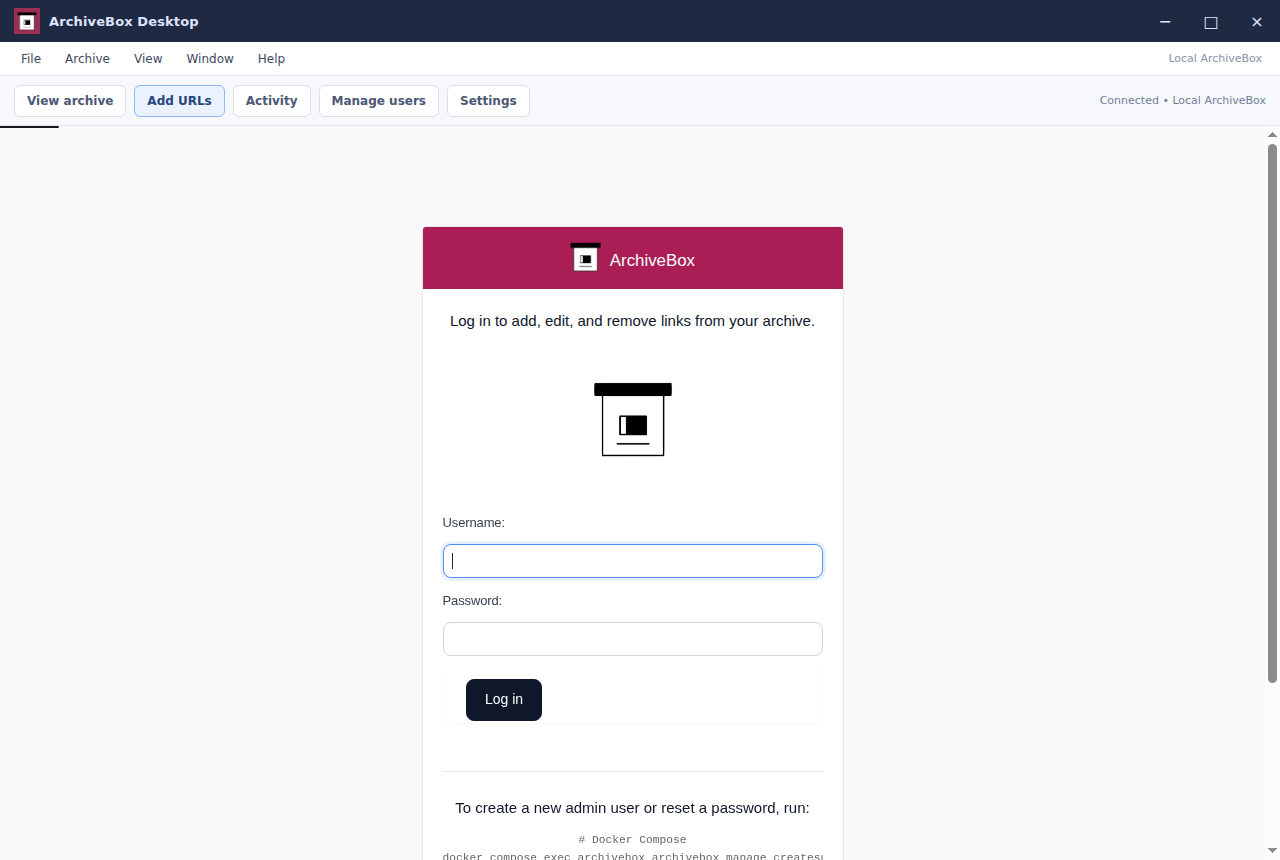
ArchiveBox requires the administrator created during setup before adding pages.
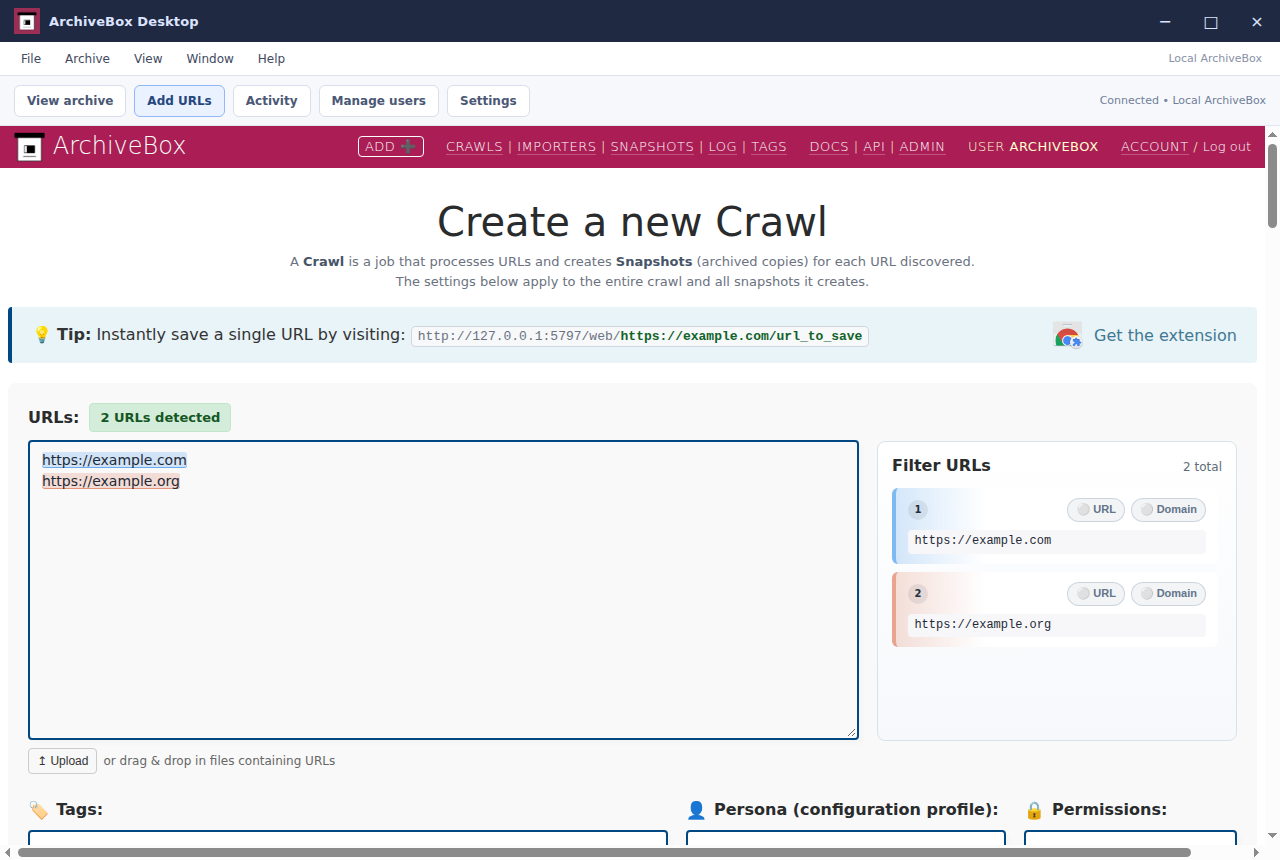
Two public websites are entered in the actual ArchiveBox form, with title, HTML and browser screenshot extraction selected.
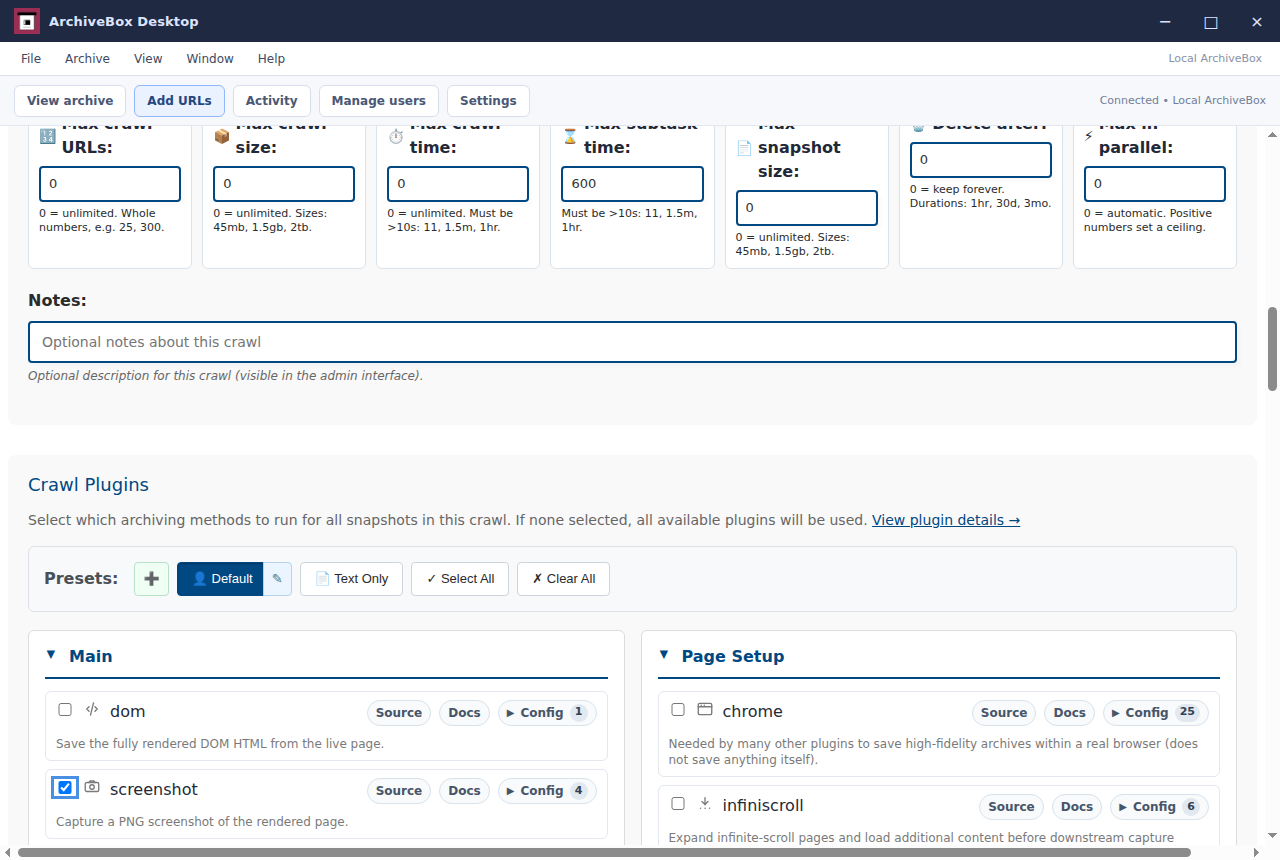
The real Add URLs form lets the user choose archiving plugins and reusable presets.
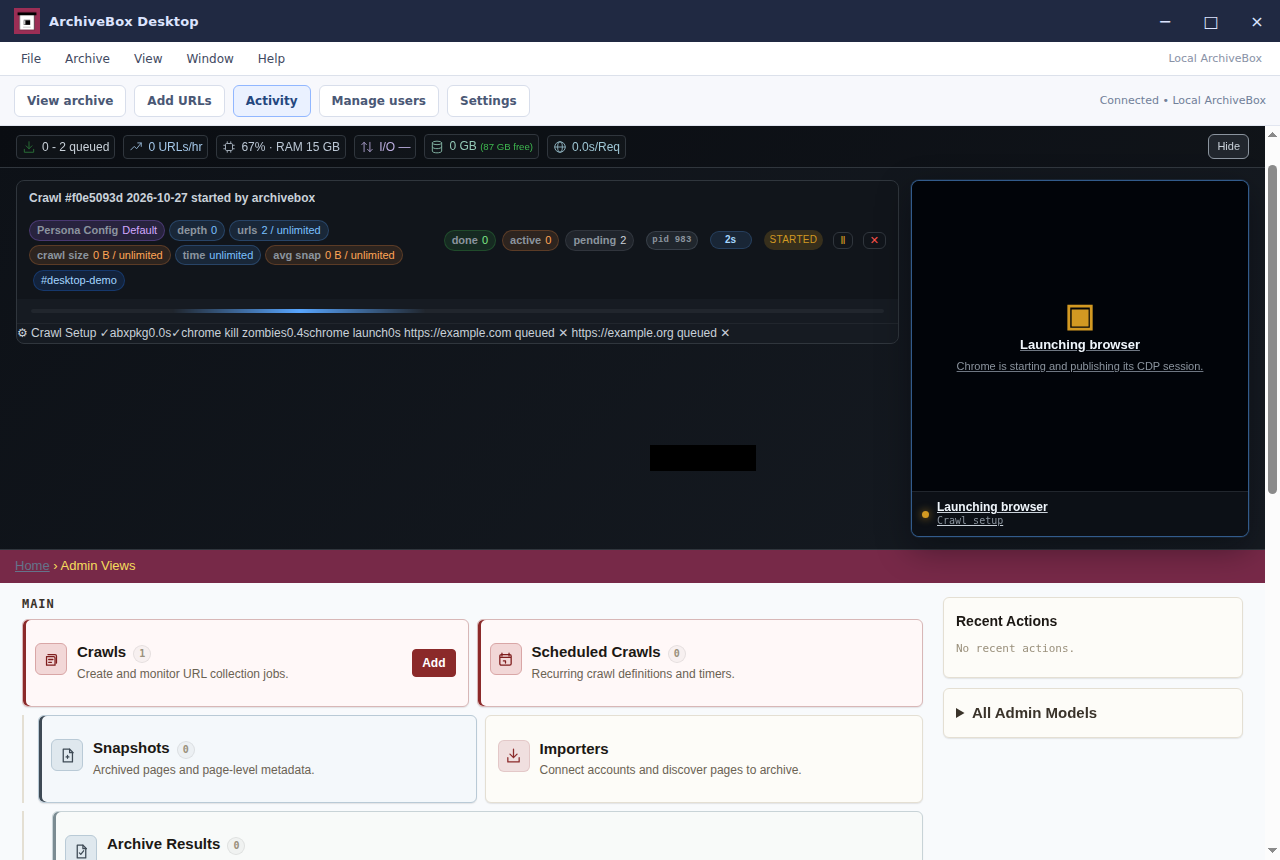
The Activity button opens ArchiveBox’s live progress monitor while the submitted crawl runs real extractors.
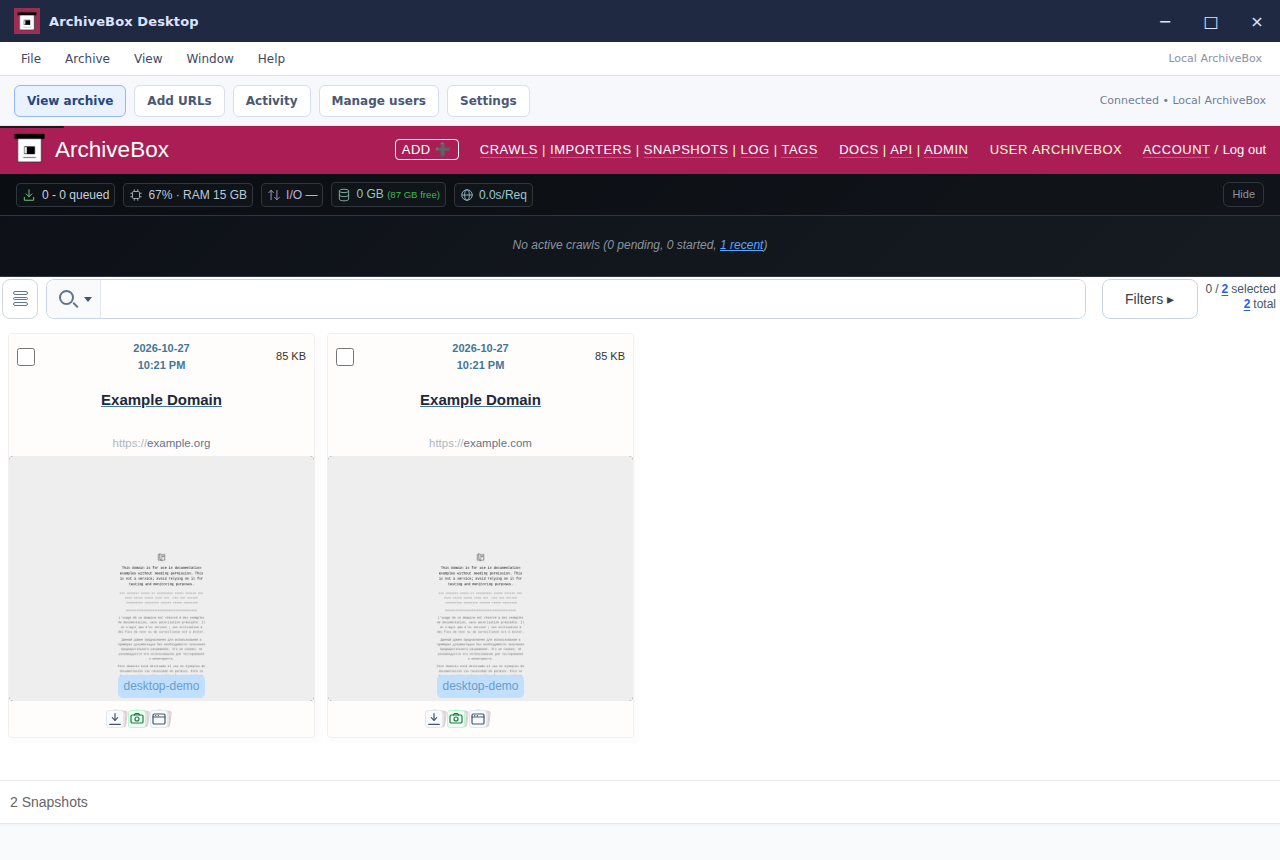
The collection lists two real pages saved through Add URLs, with extracted titles and tags.
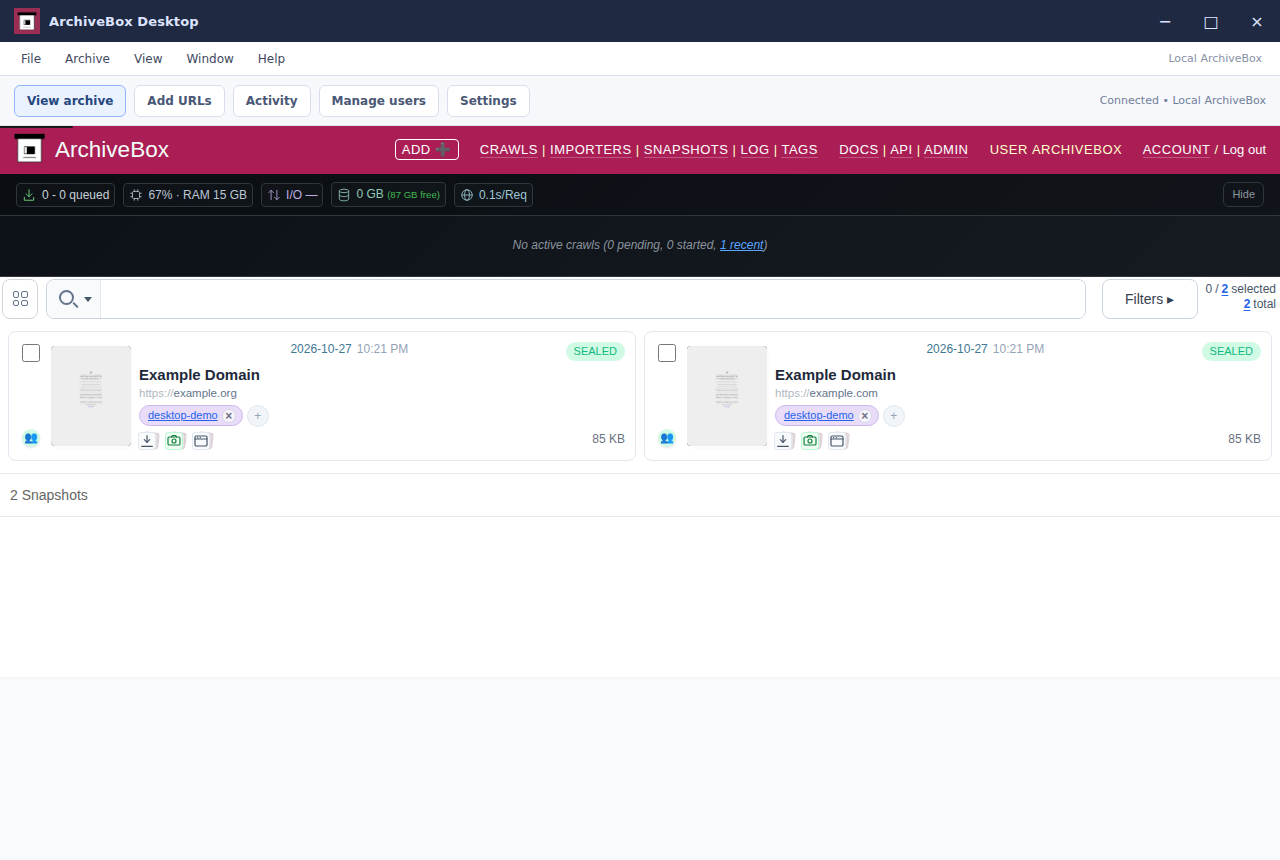
Selecting metadata search and entering example.com filters the two-page collection to the snapshot whose URL matches.
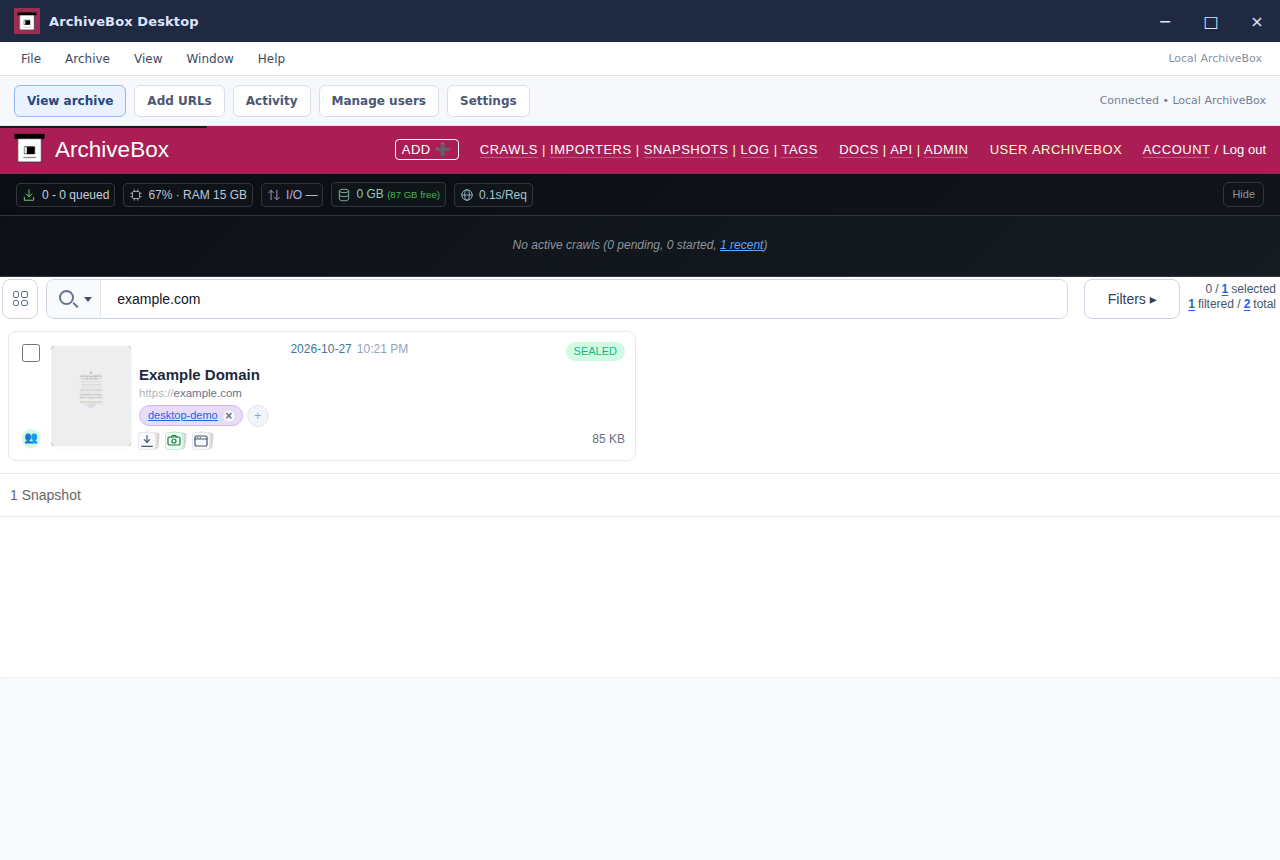
The actual snapshot detail page shows saved files, metadata and extraction status for example.com.
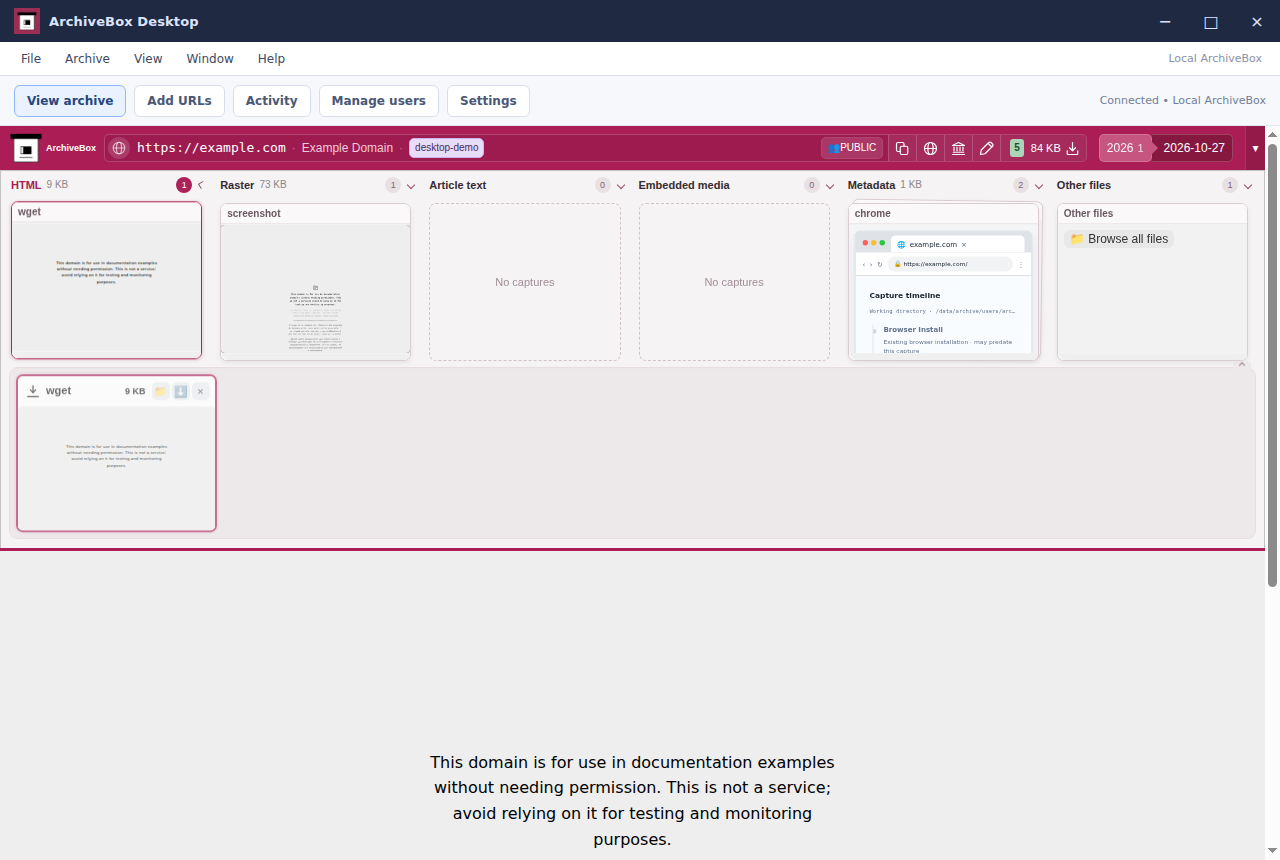
The snapshot viewer displays the HTML actually downloaded by wget from example.com.
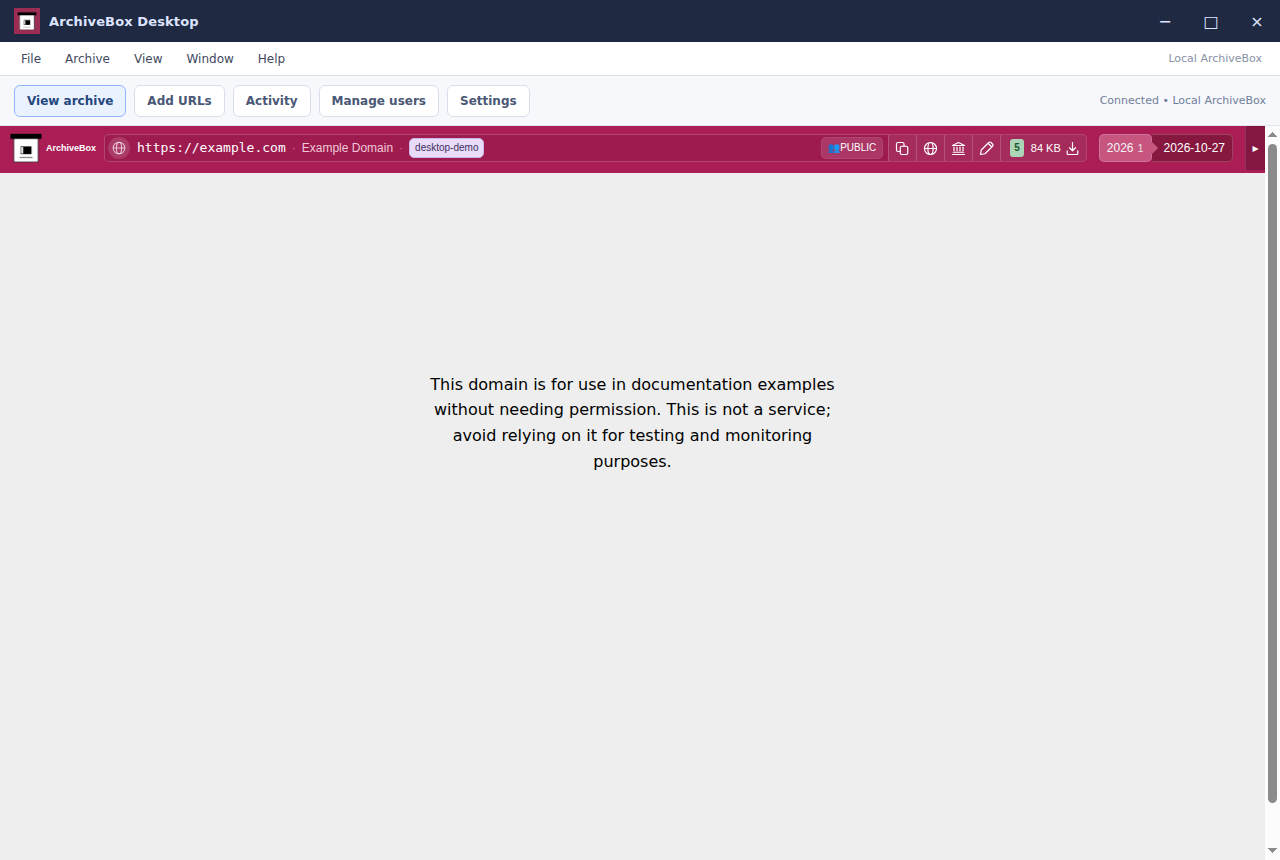
The grid toggle shows the saved pages with their real browser screenshots.
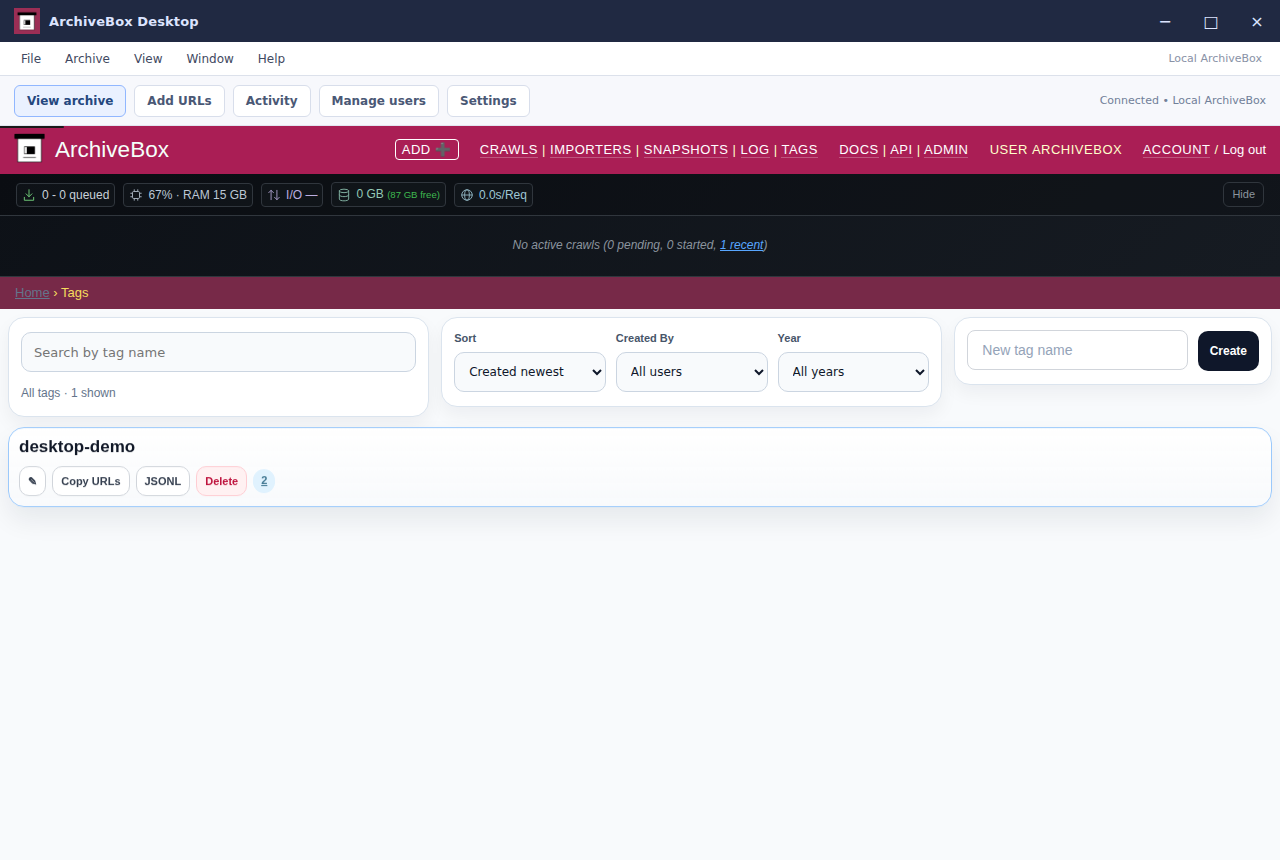
The Tags screen lists the tag assigned through the Add URLs form.
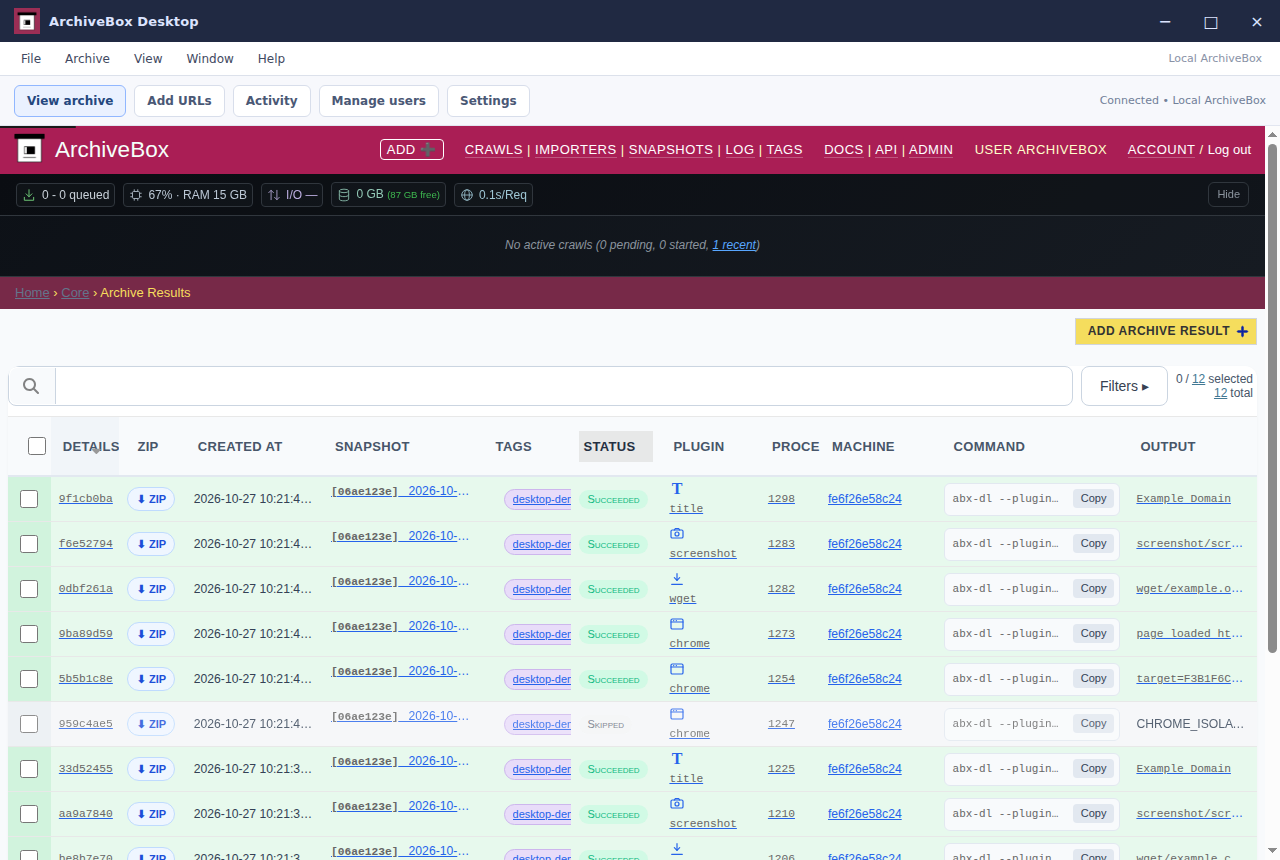
The Log screen shows the actual title and wget extraction jobs for the saved pages.
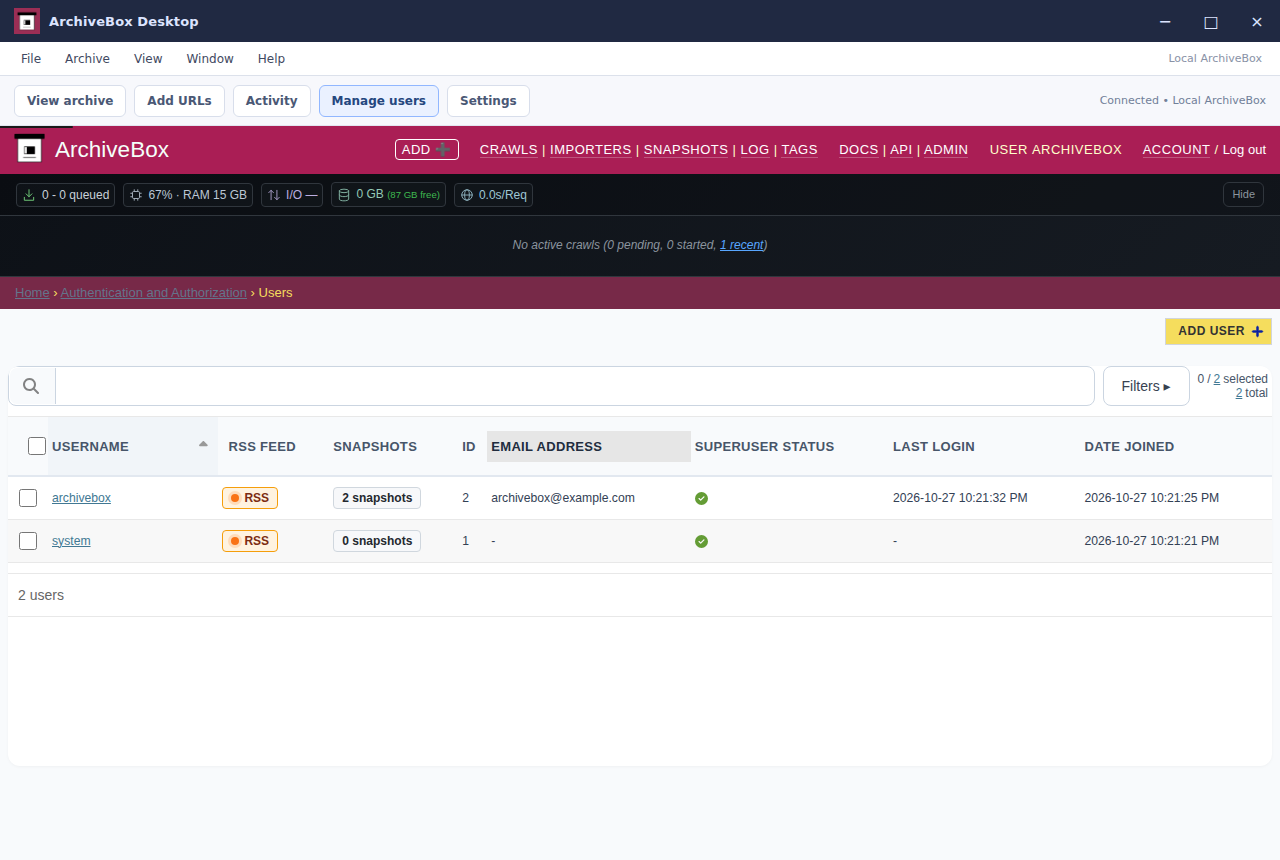
Django administration lists the real account created during desktop setup.
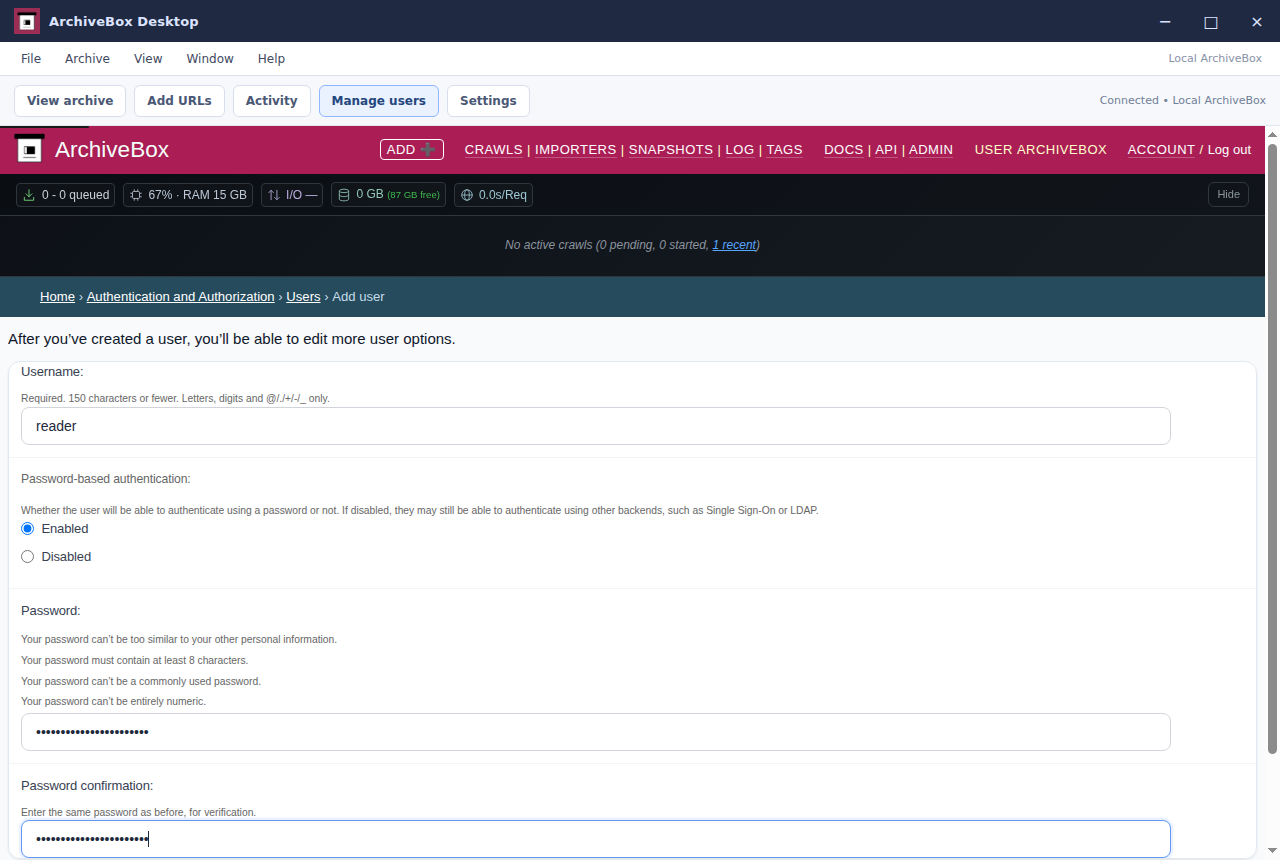
The real user creation form is filled before saving a second local account.
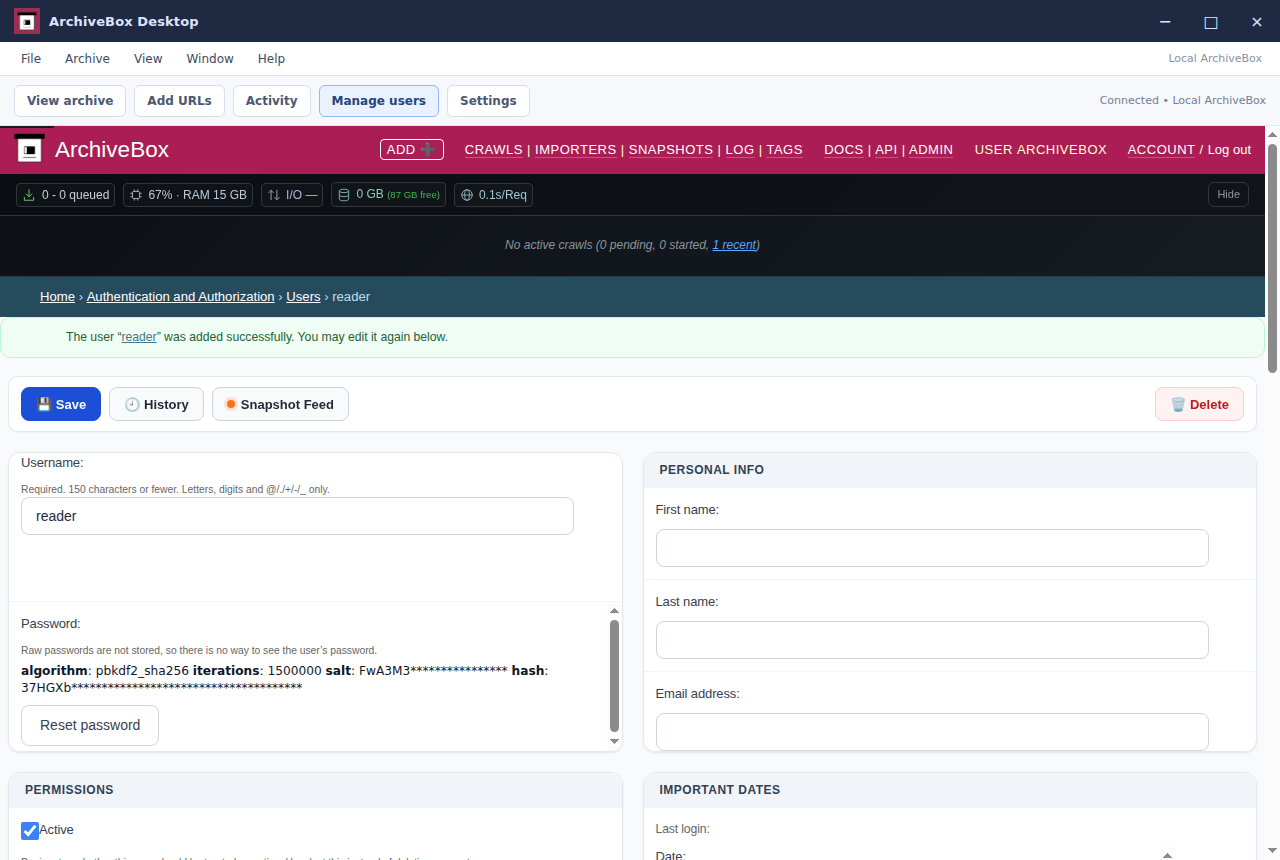
The newly saved reader account opens in the actual user editor.
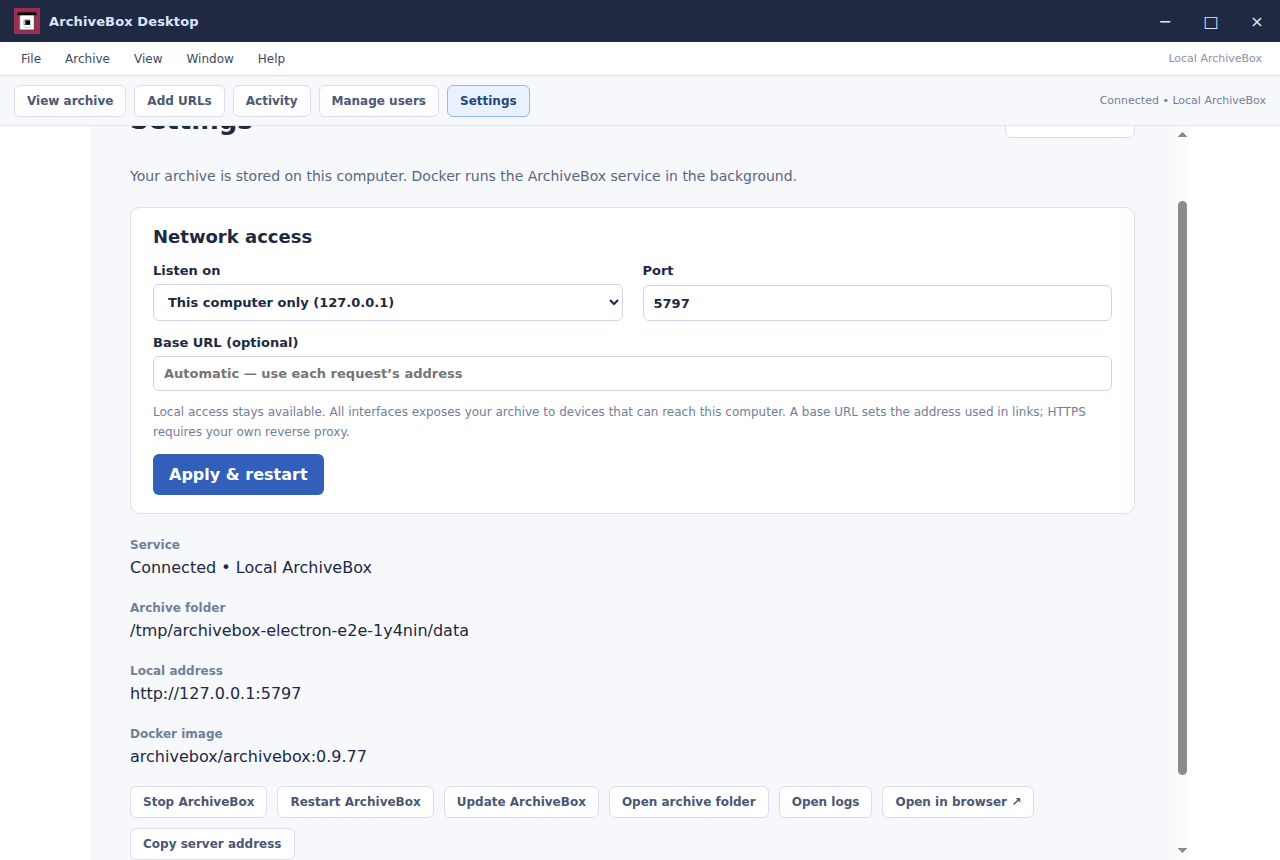
The shipped settings panel shows the actual local collection and service controls.
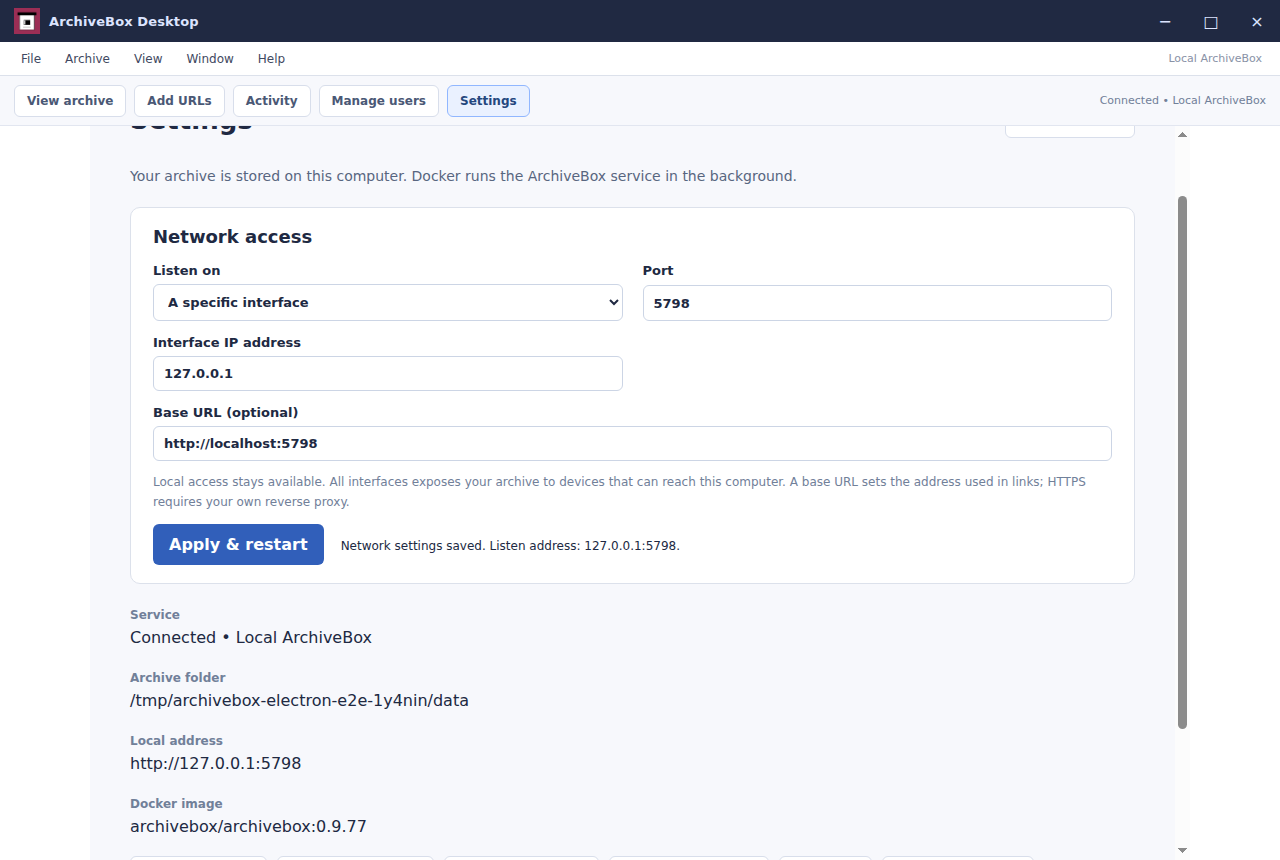
Settings applies a custom loopback interface, port 5798 and base URL to the real Docker service.
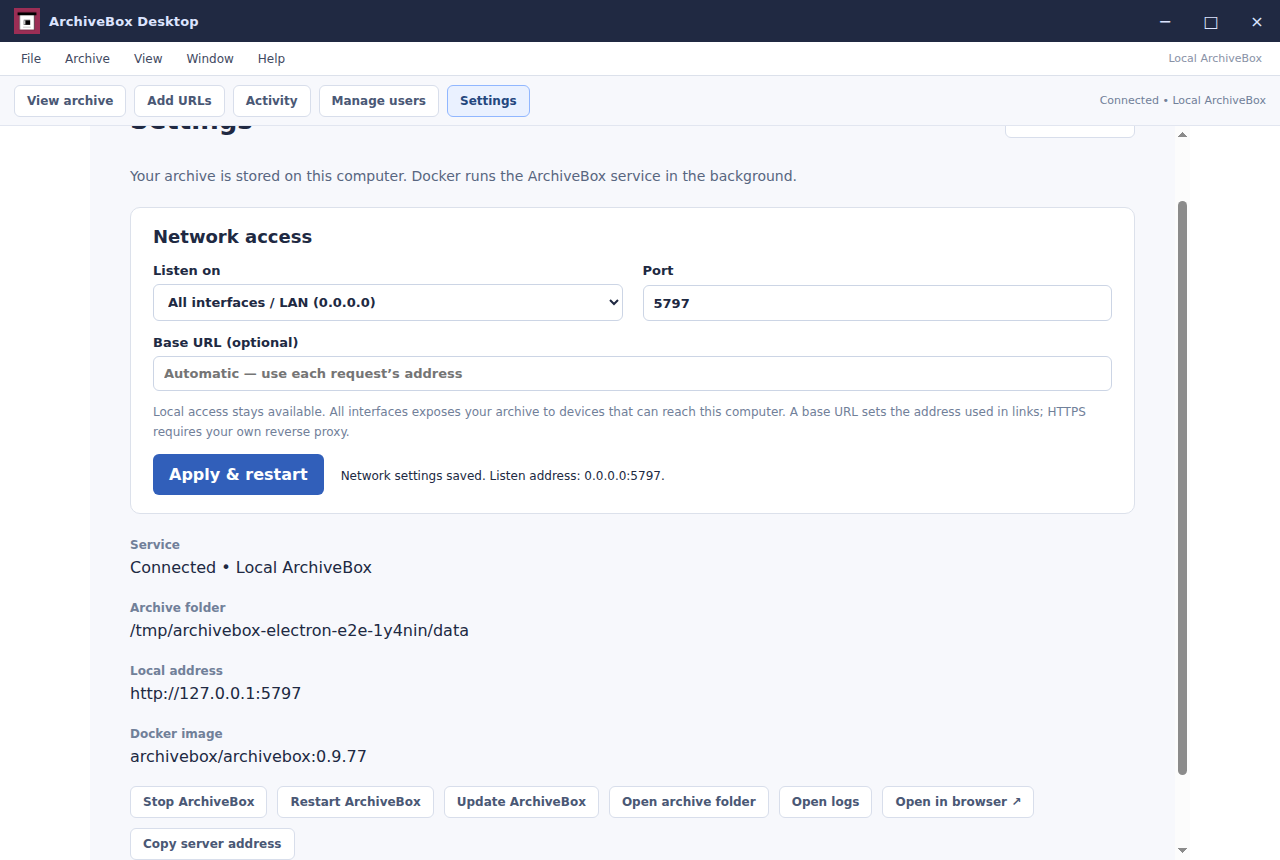
The isolated Linux CI app is running with LAN access enabled on port 5797.
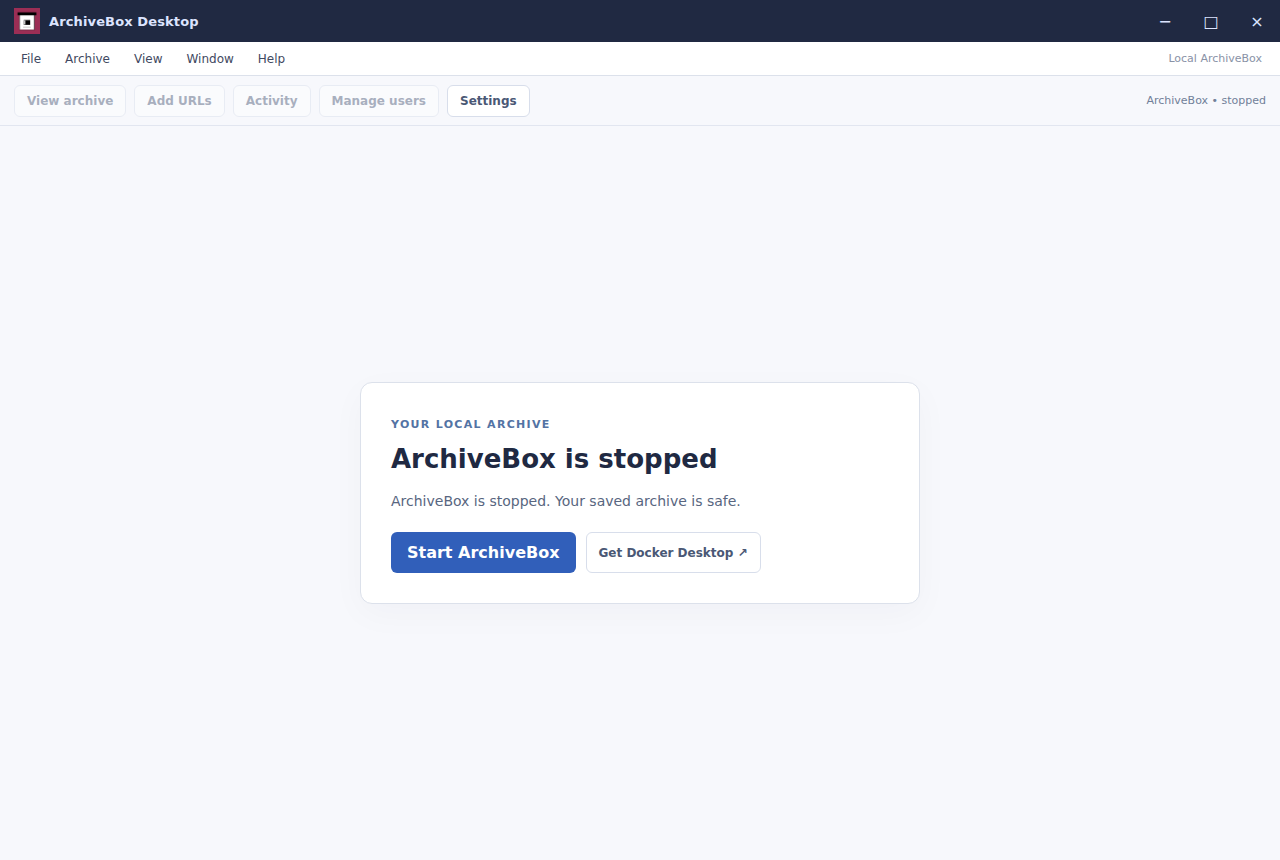
Stopping ArchiveBox from Settings shuts down its real Docker container.
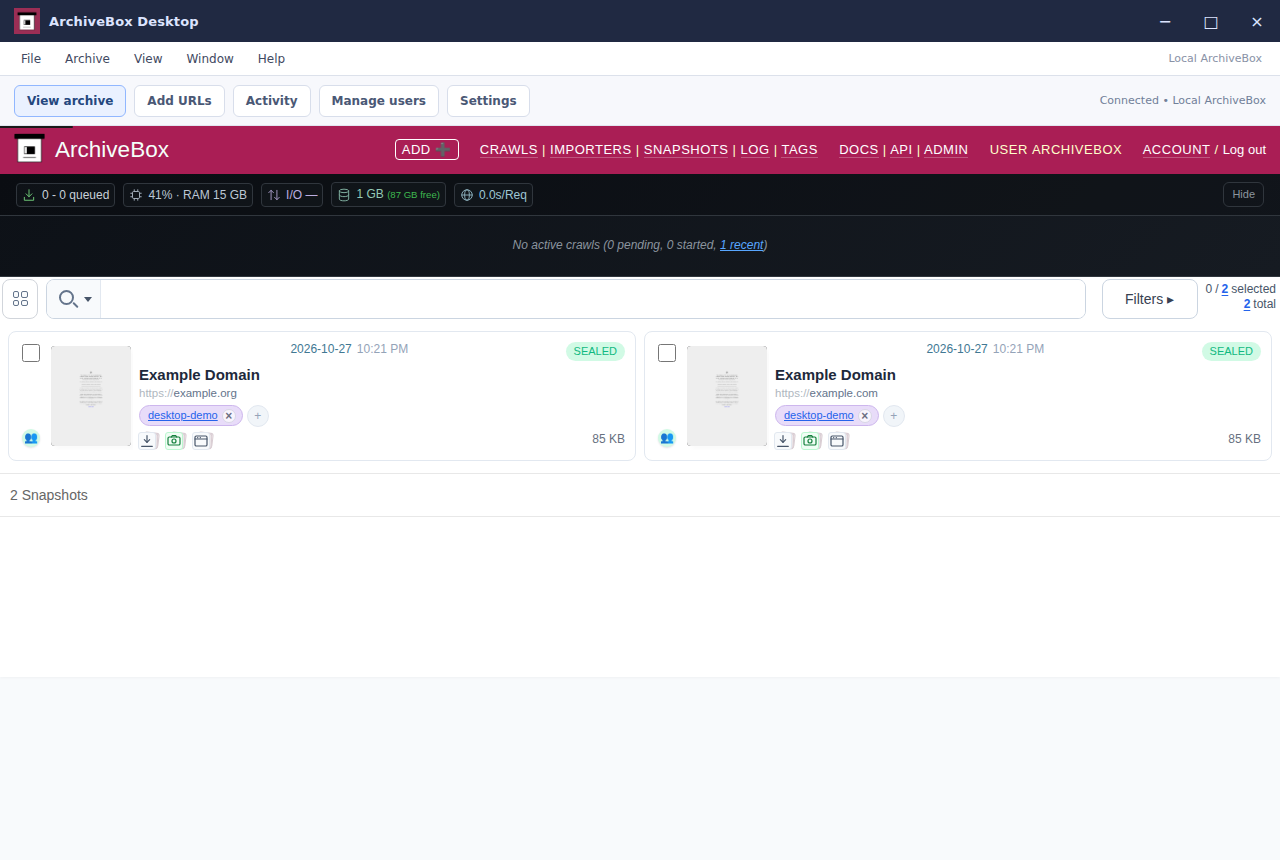
Restarting the Docker service preserves both saved pages and their extracted titles.
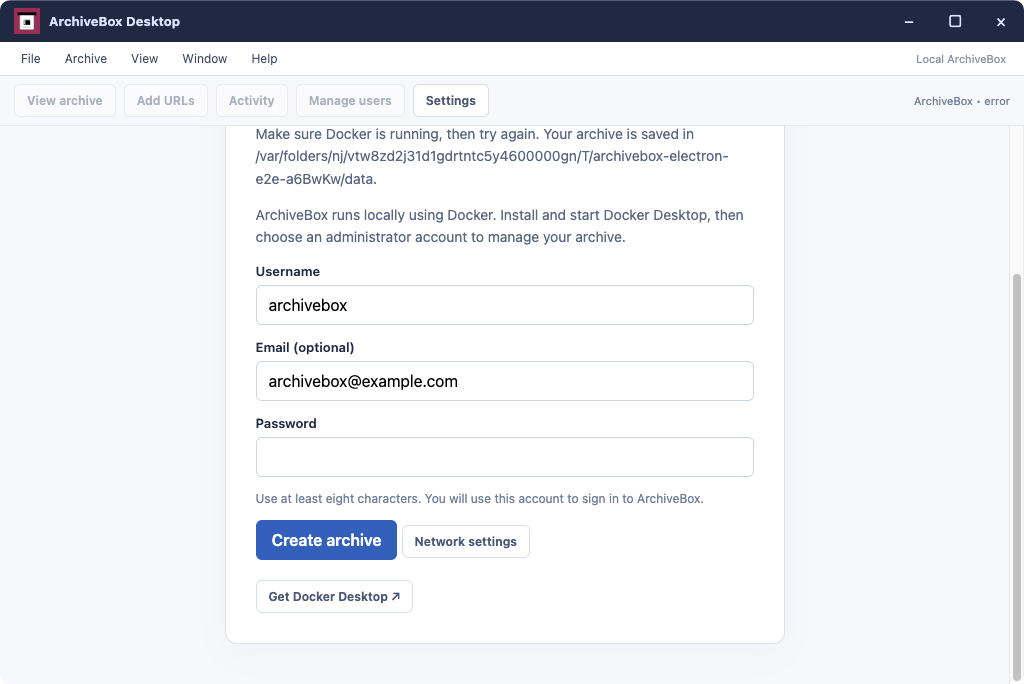
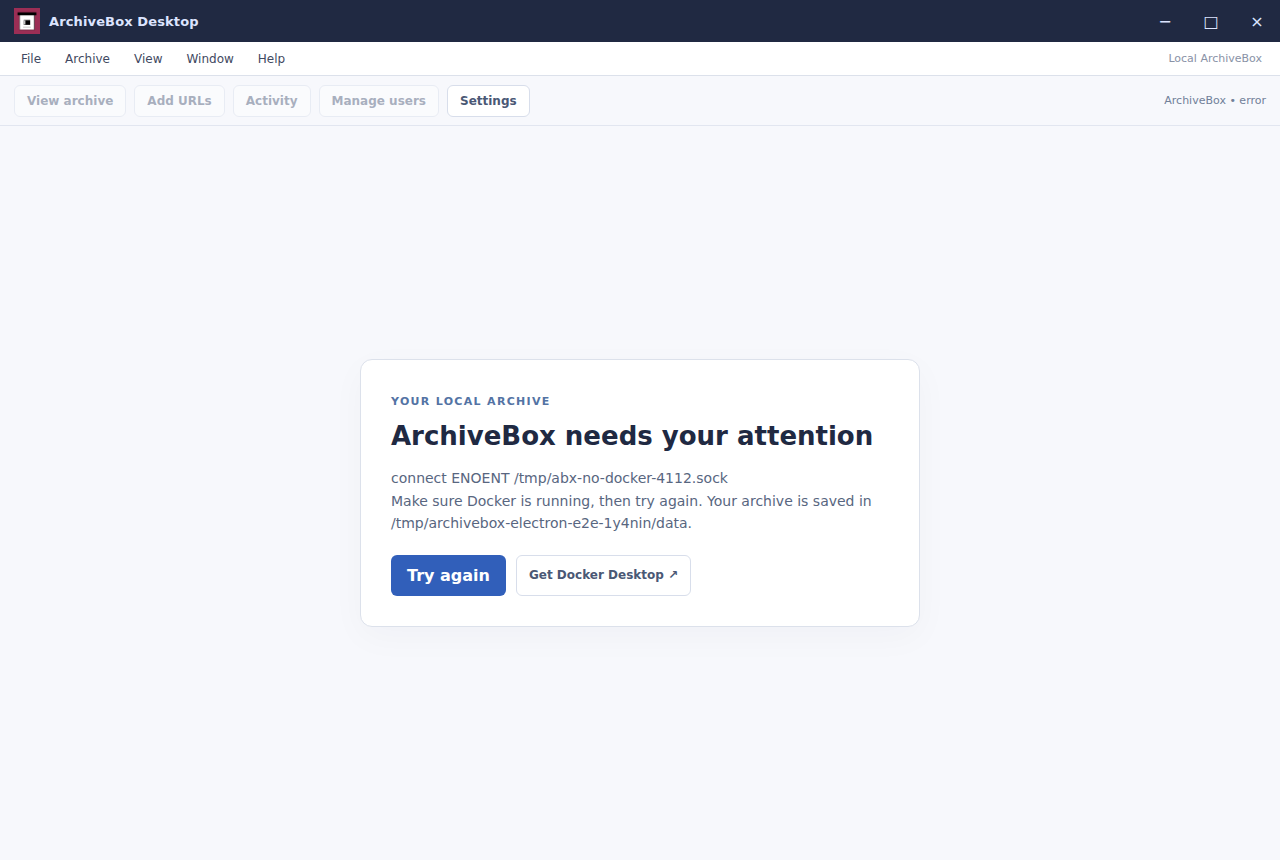
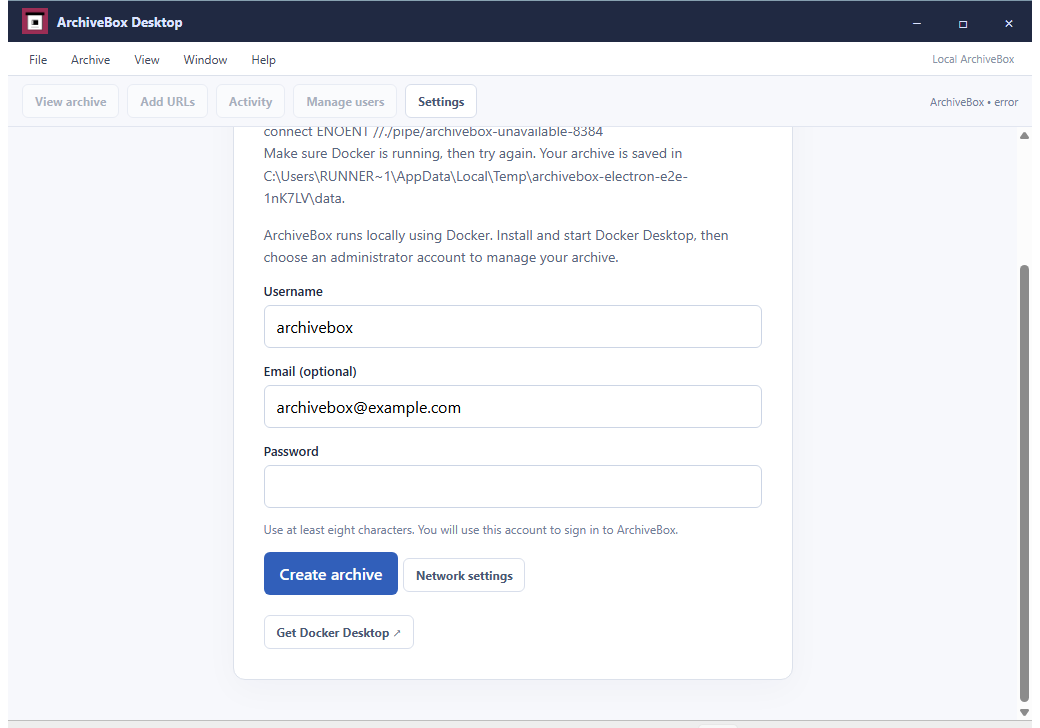
Launching with a genuinely unavailable Docker endpoint displays the app’s normal recovery instructions.
The packaged desktop app opens a fresh collection and requests its administrator account.
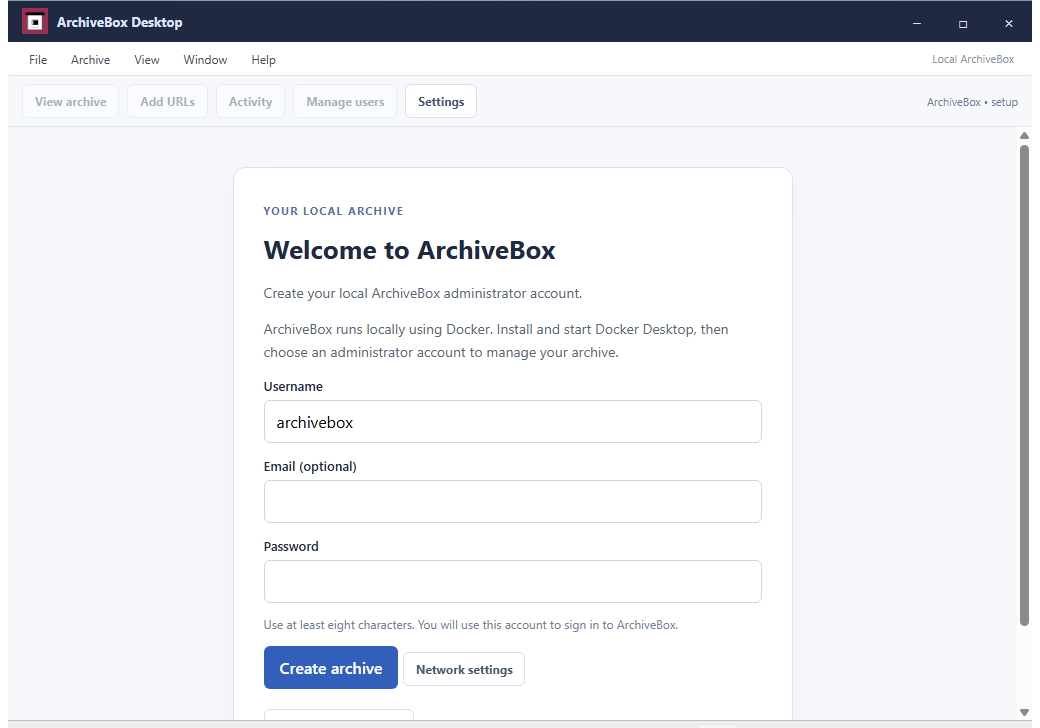
A real unavailable local Docker socket displays the normal Docker installation and recovery guidance.
The packaged desktop app opens a fresh collection and requests its administrator account.
A real unavailable local Docker socket displays the normal Docker installation and recovery guidance.